PNG · per look
Editorial looks
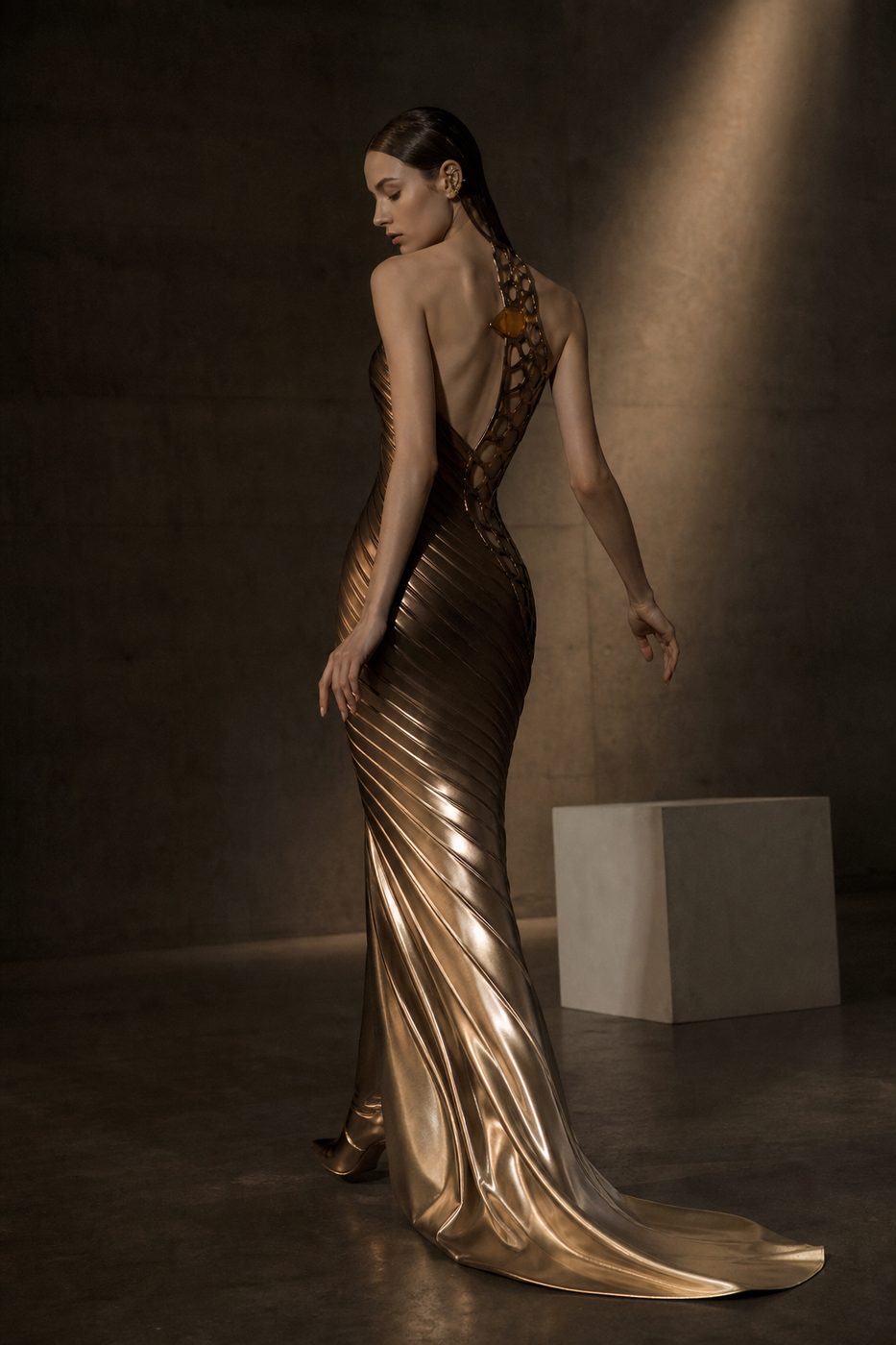
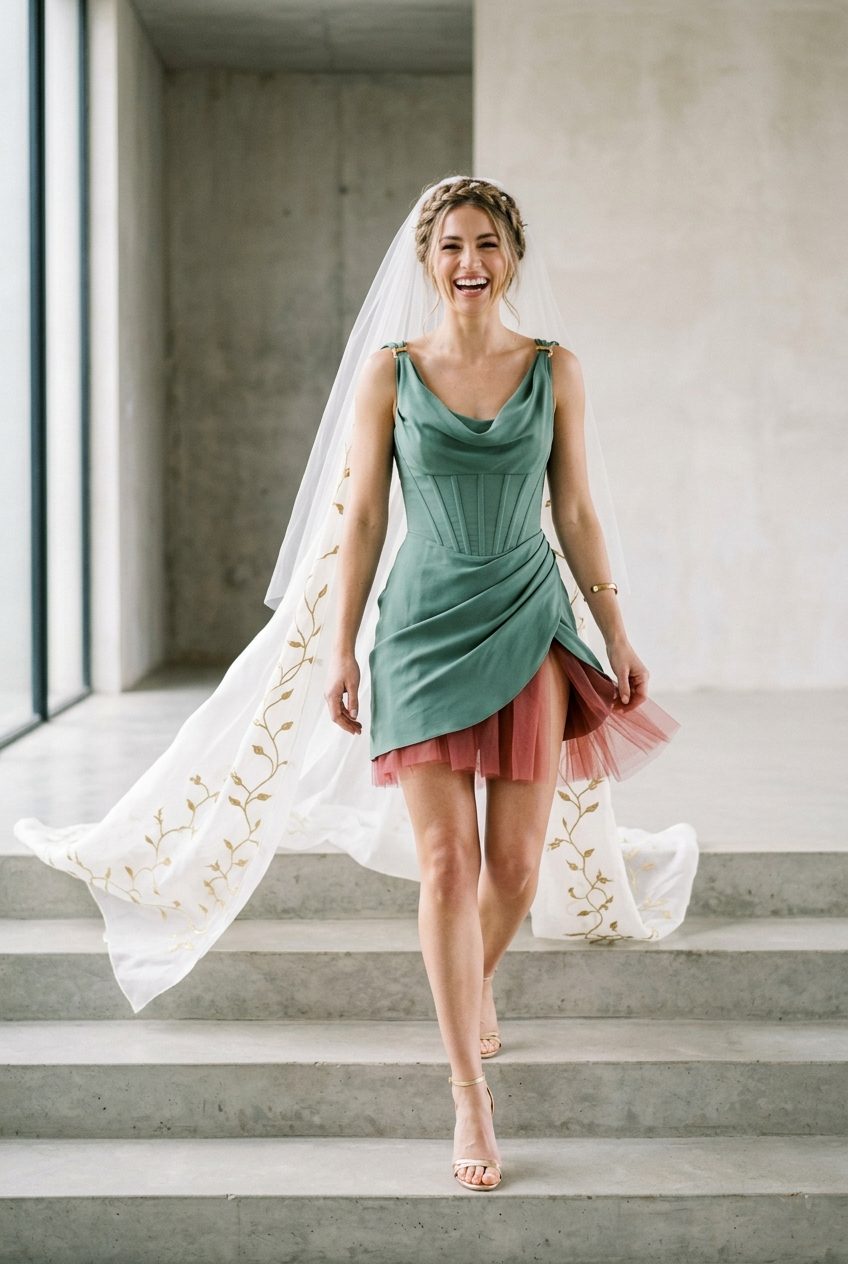
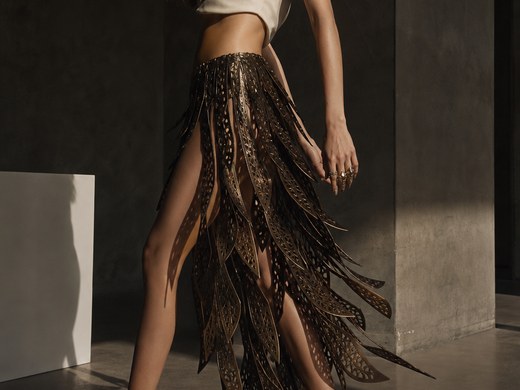
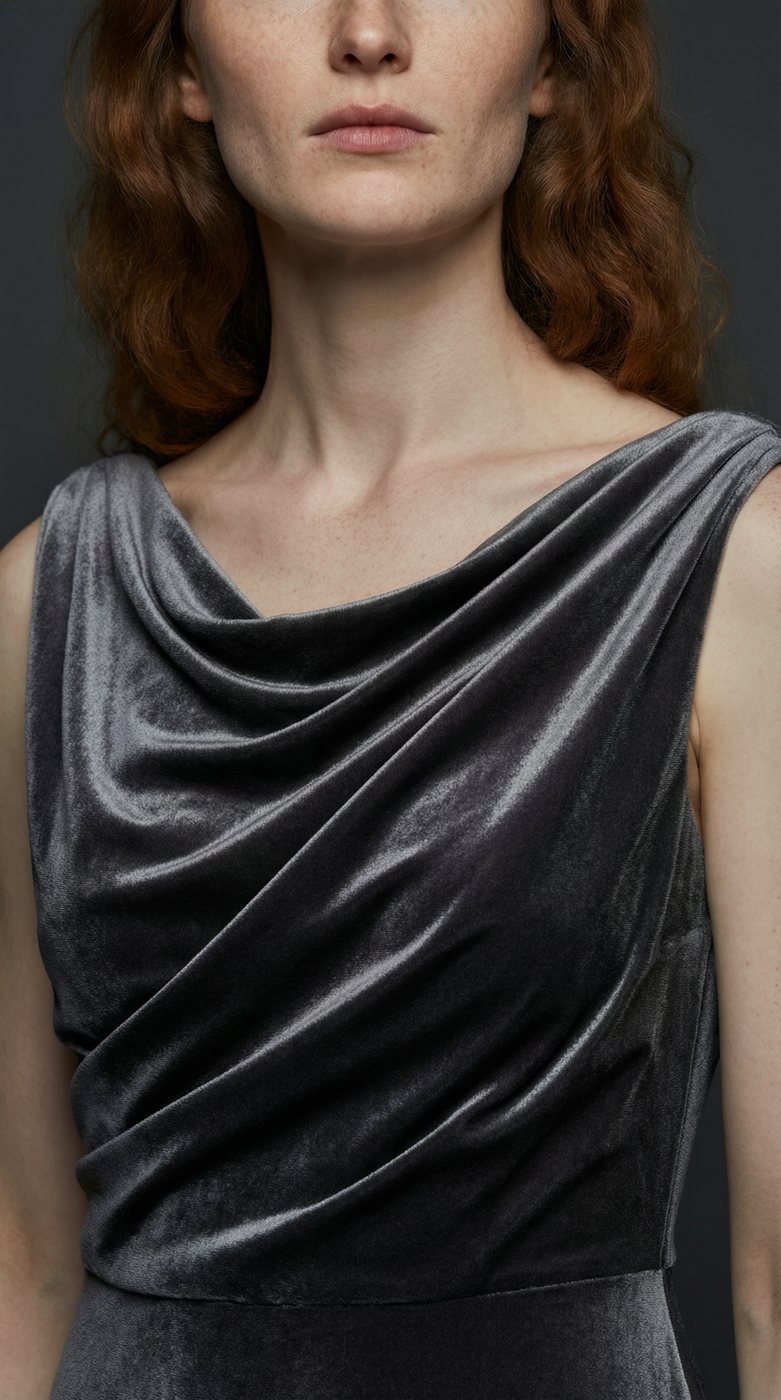
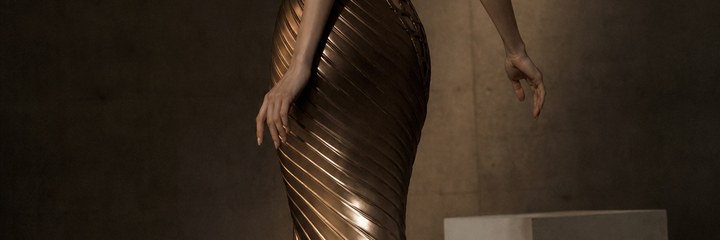
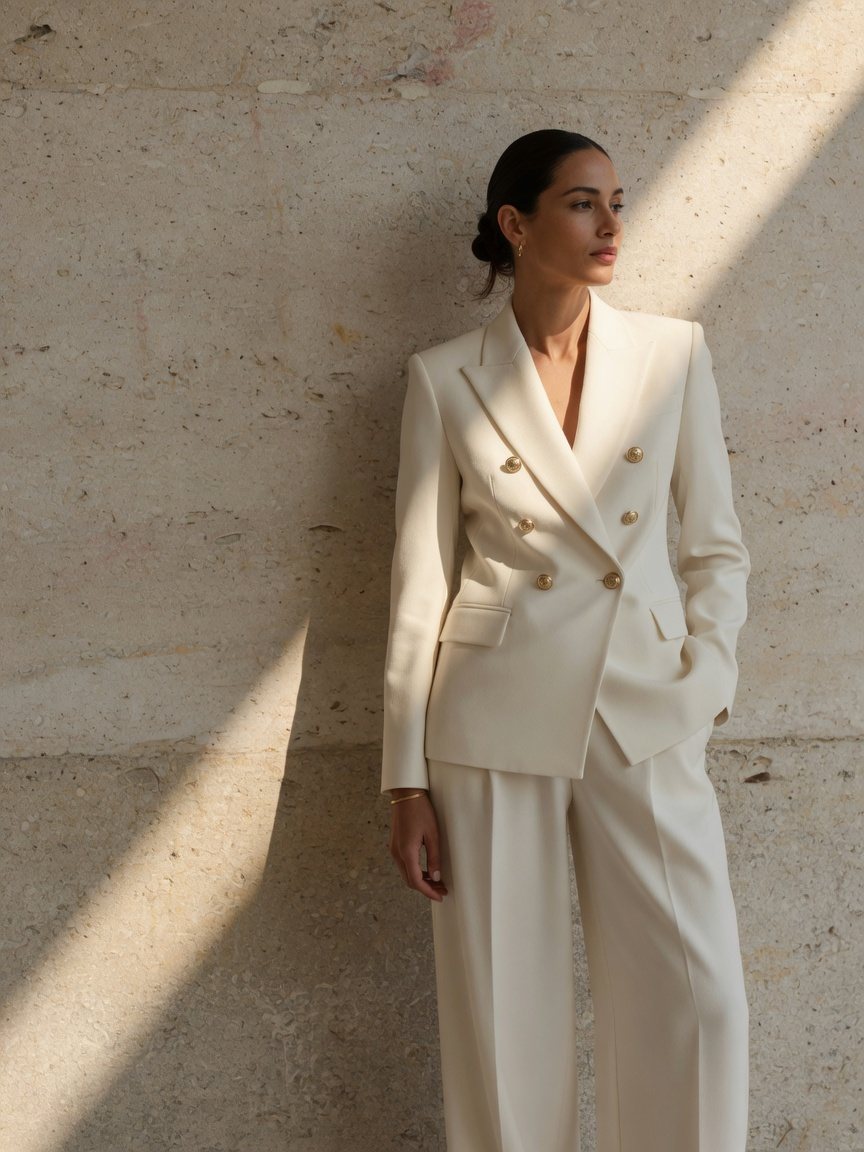
4, 6 or 8 looks in your aesthetic and shoot style — each with a turnaround plate and a detail study.
Create · Fashion Collection
Describe a direction and Fashion Collection returns editorial looks, turnaround and detail sheets, a Pantone shade card, a campaign film and a lookbook — each shipping the moment it’s ready, packaged as one download.
The input
One line of direction. Everything below it comes back from that: the looks, the sheets, the shade card, the film.
 01
01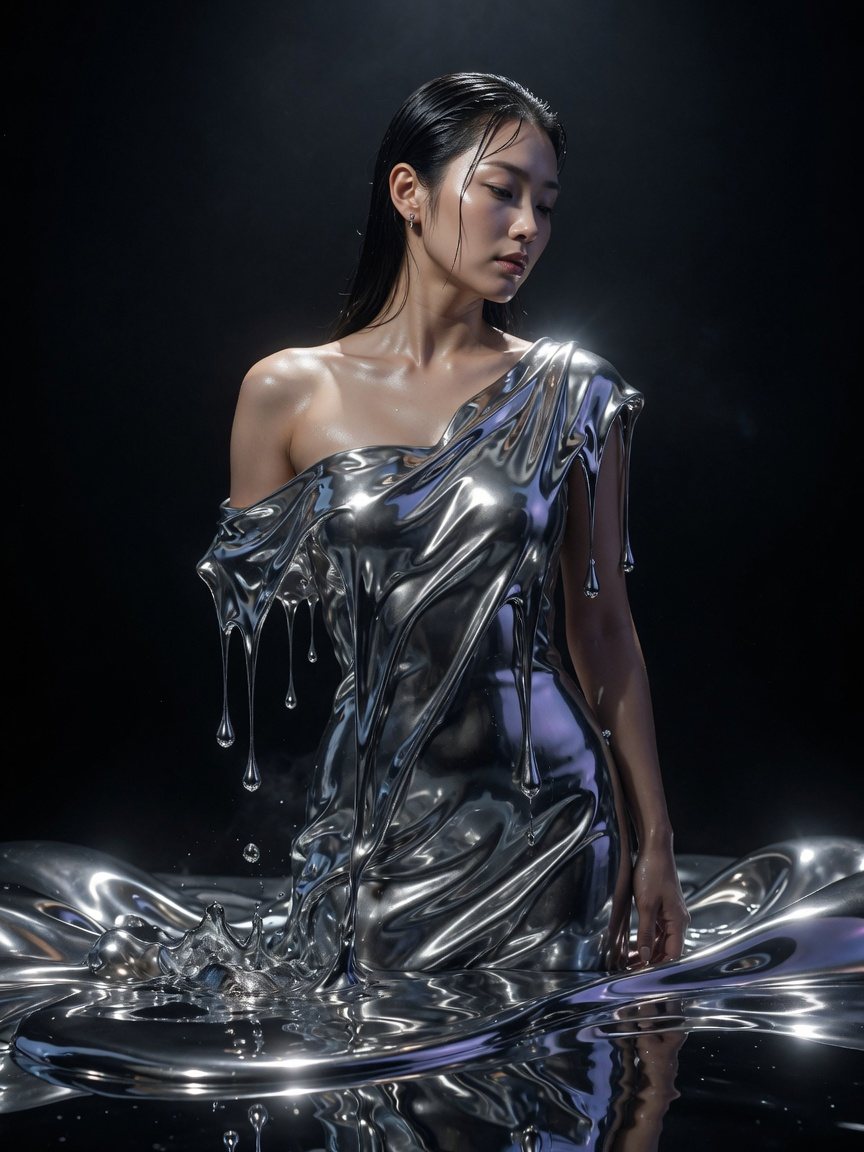 02
02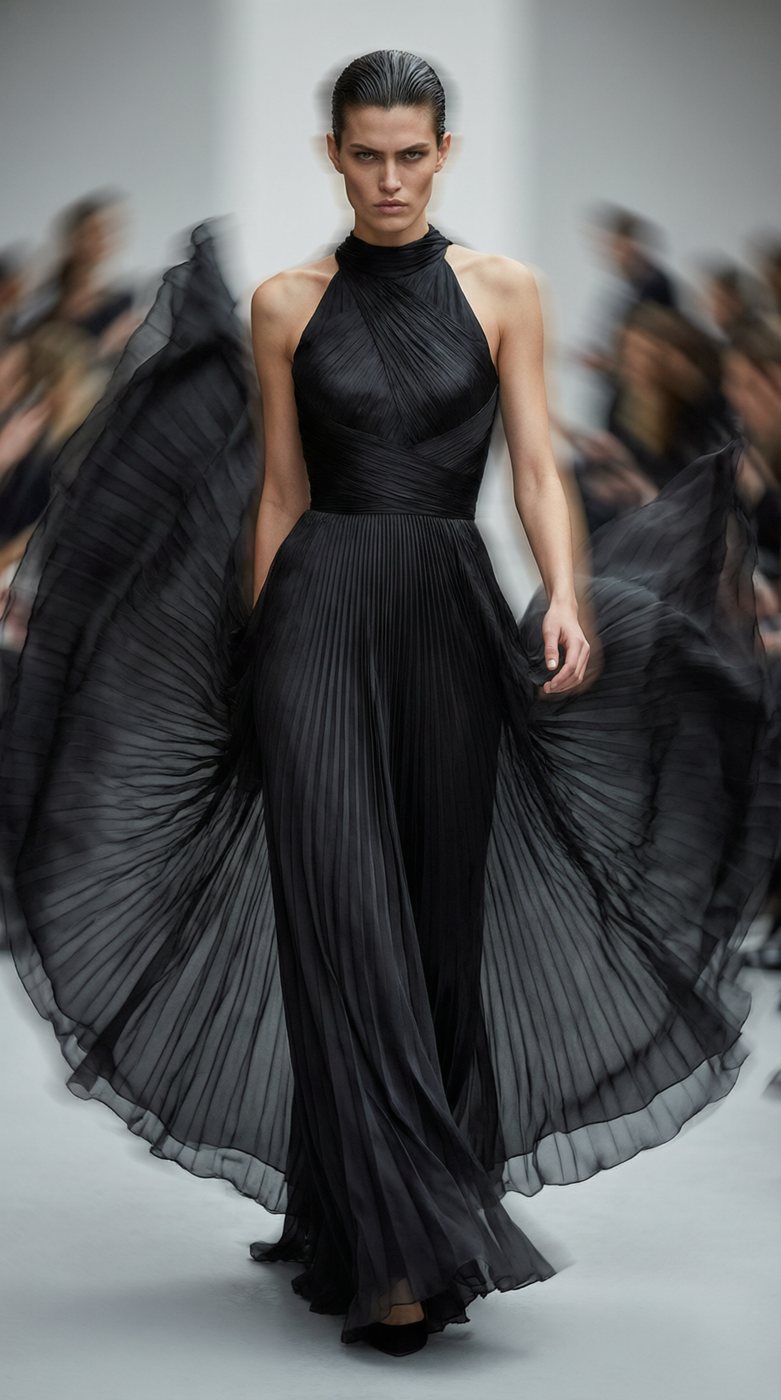 03
03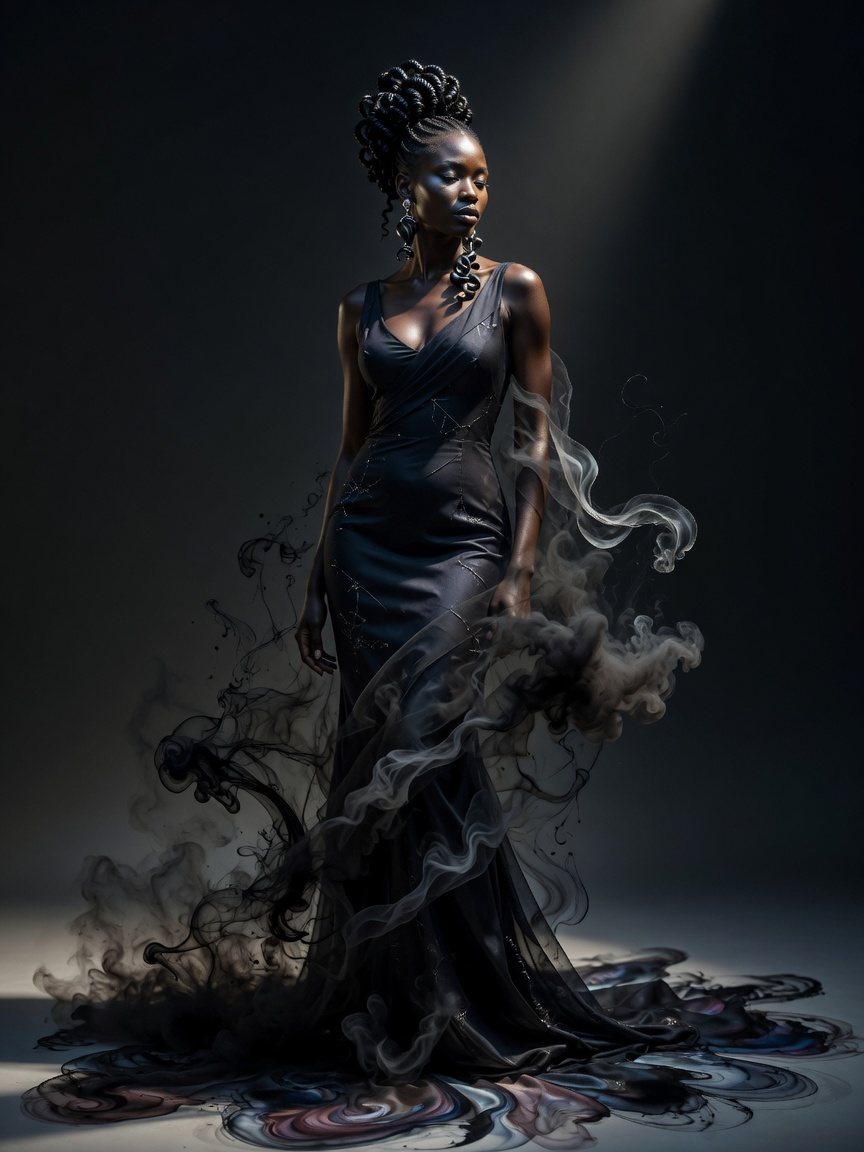 04
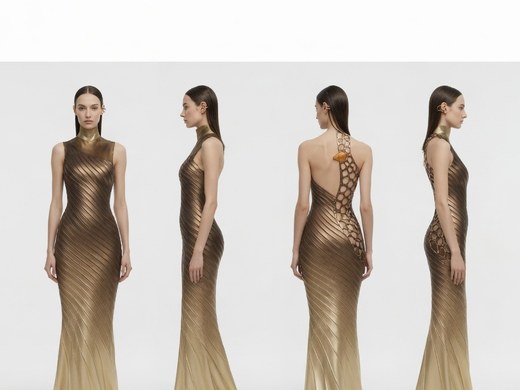
04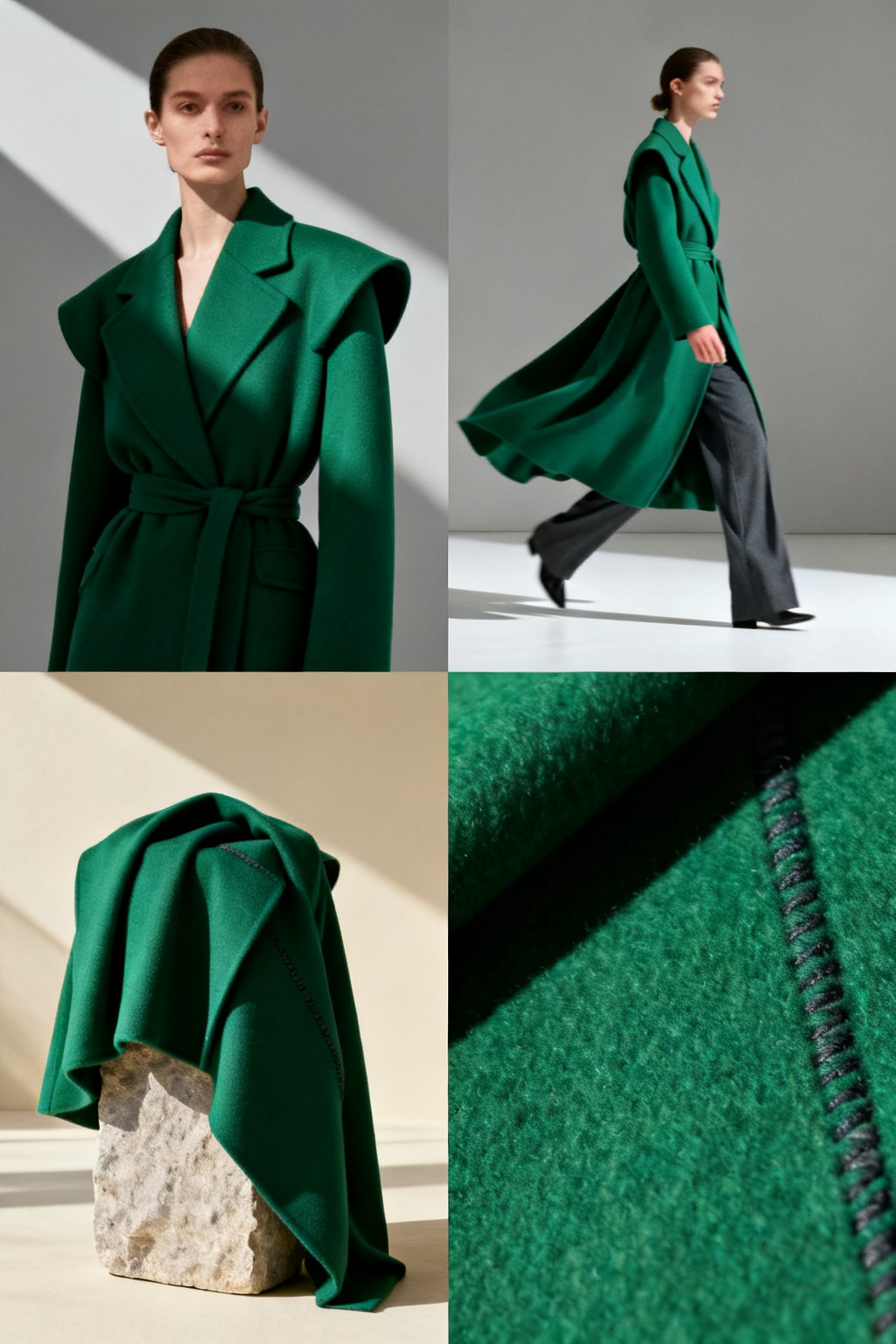 Turnaround
 Details
 0:008s film
 Line sheet
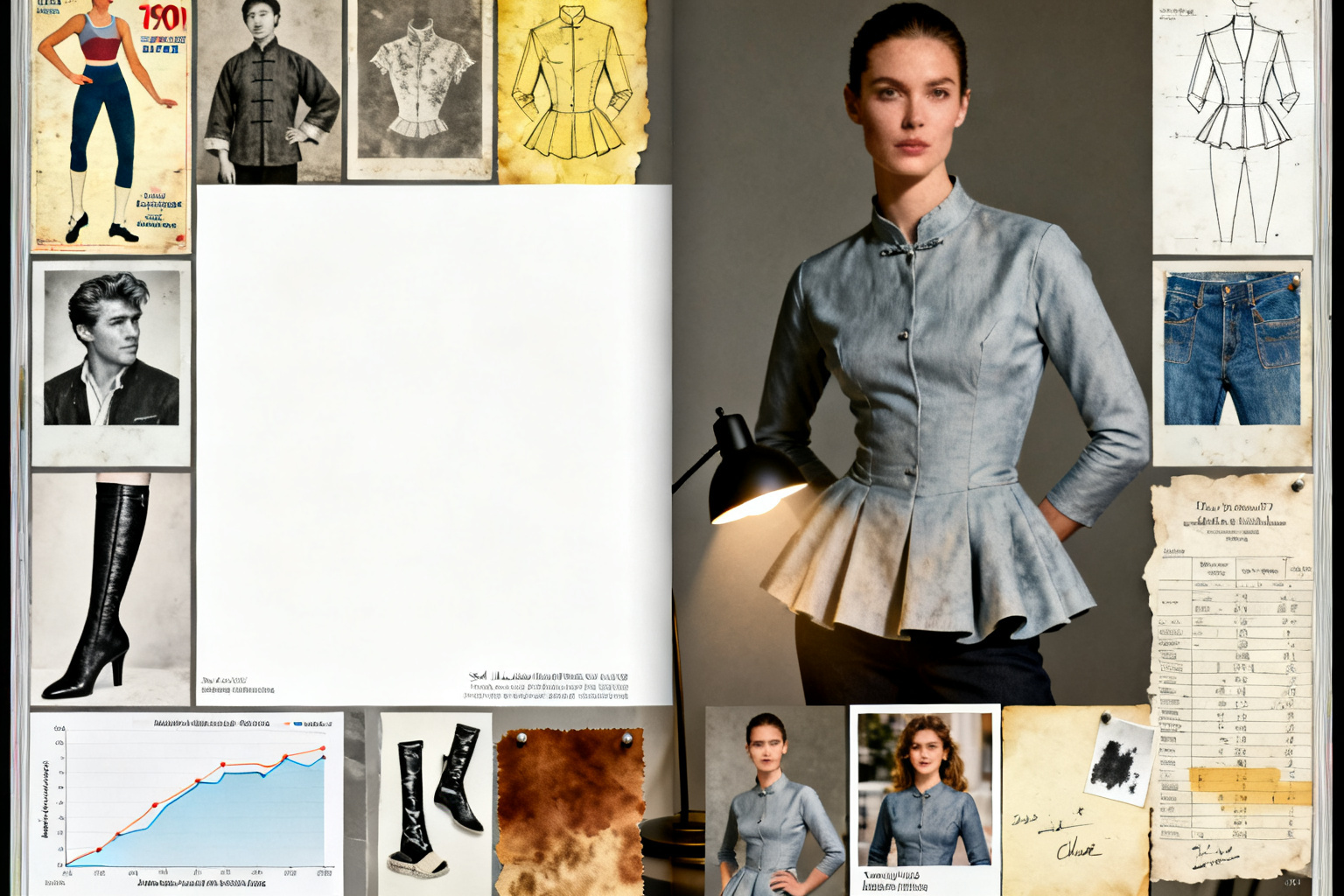 Lookbook
How it works
Unsure at any point? Switch the studio’s input to Guided and just chat — it proposes a direction for you.
Your brief
 Editorial looks
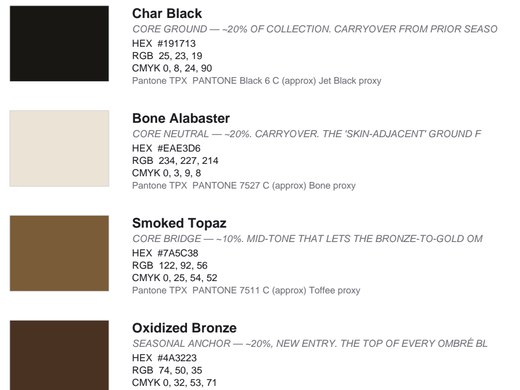
 Colour shade card
 Lookbook
ONE ZIP · 17.8 MB
What lands in your ZIP
The AI picks the package that fits your brief — you can force any of these on or off before you generate.
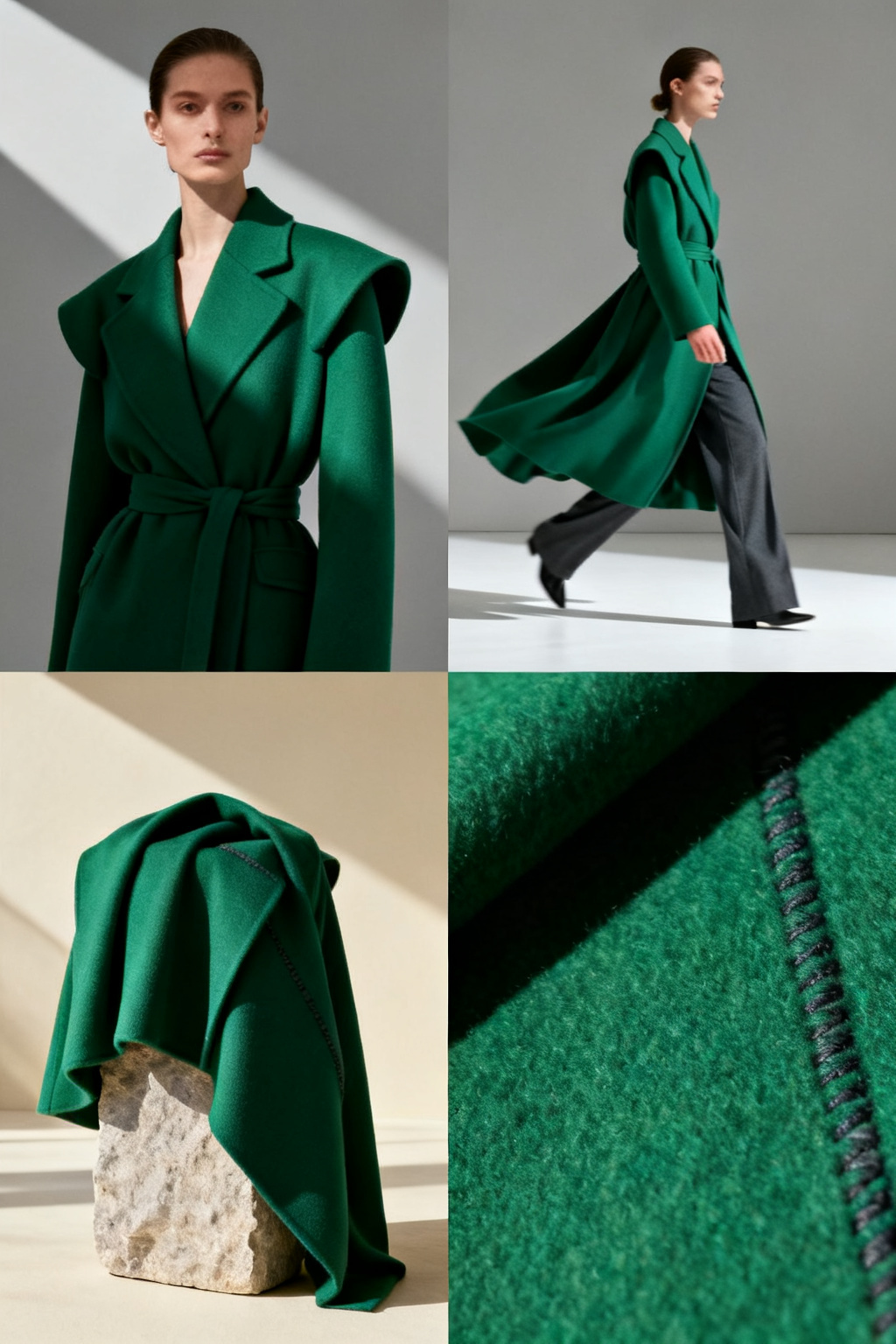
4, 6 or 8 looks in your aesthetic and shoot style — each with a turnaround plate and a detail study.
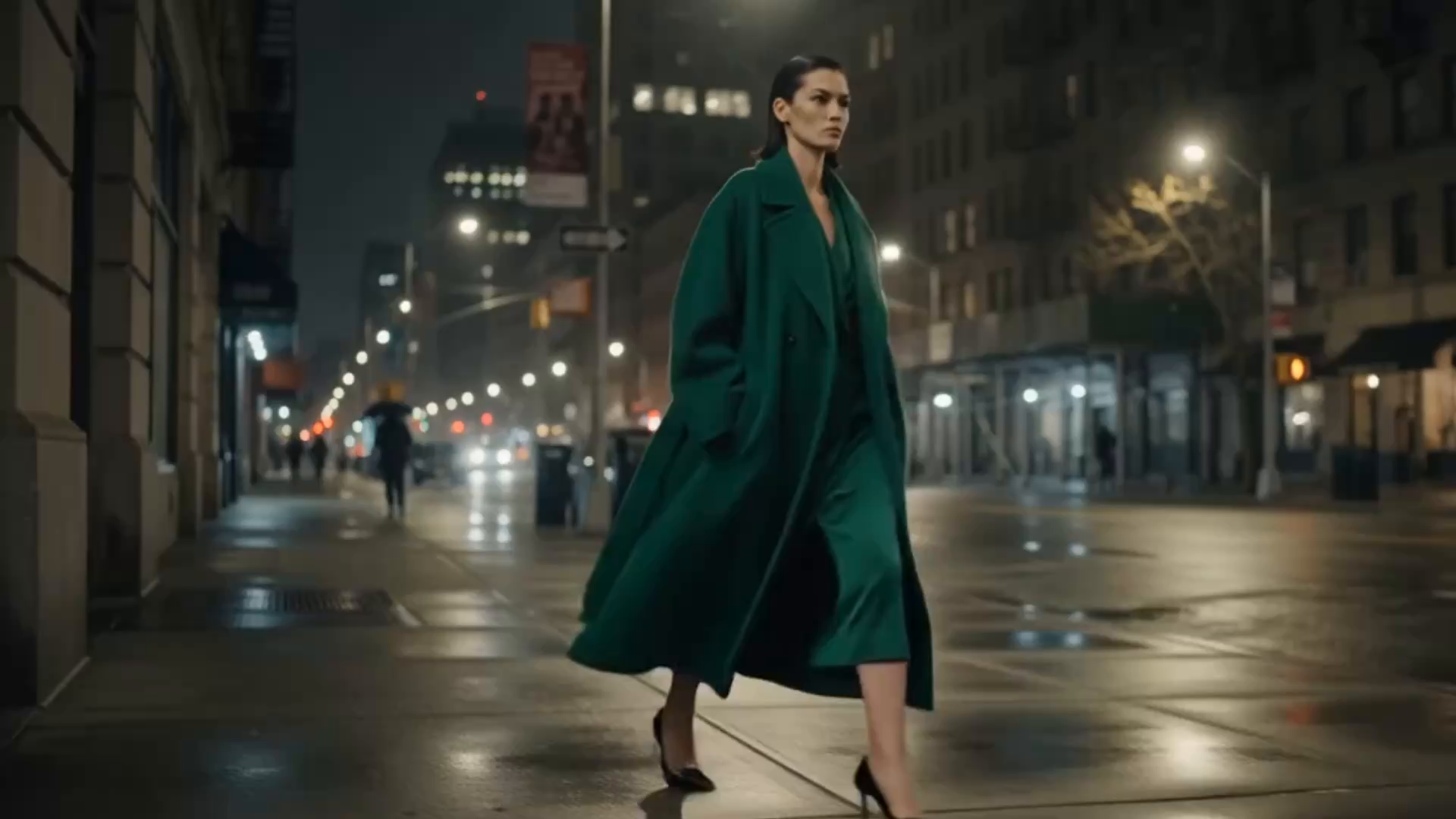
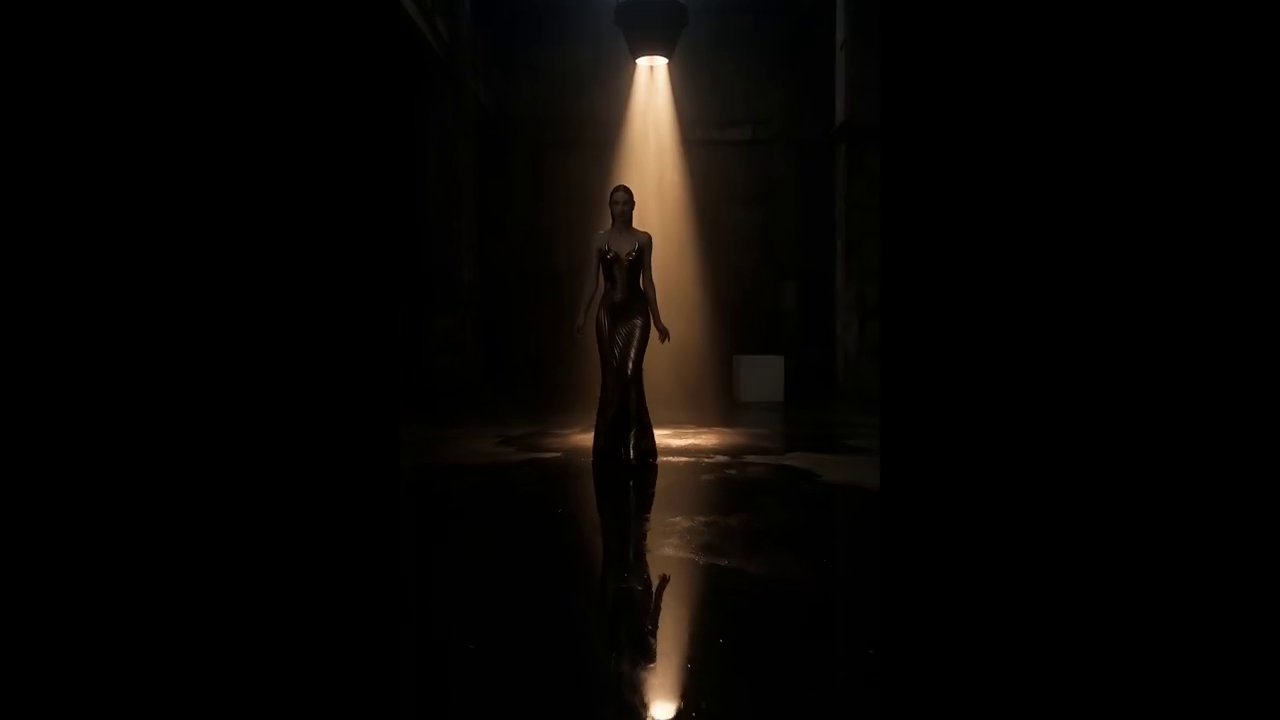
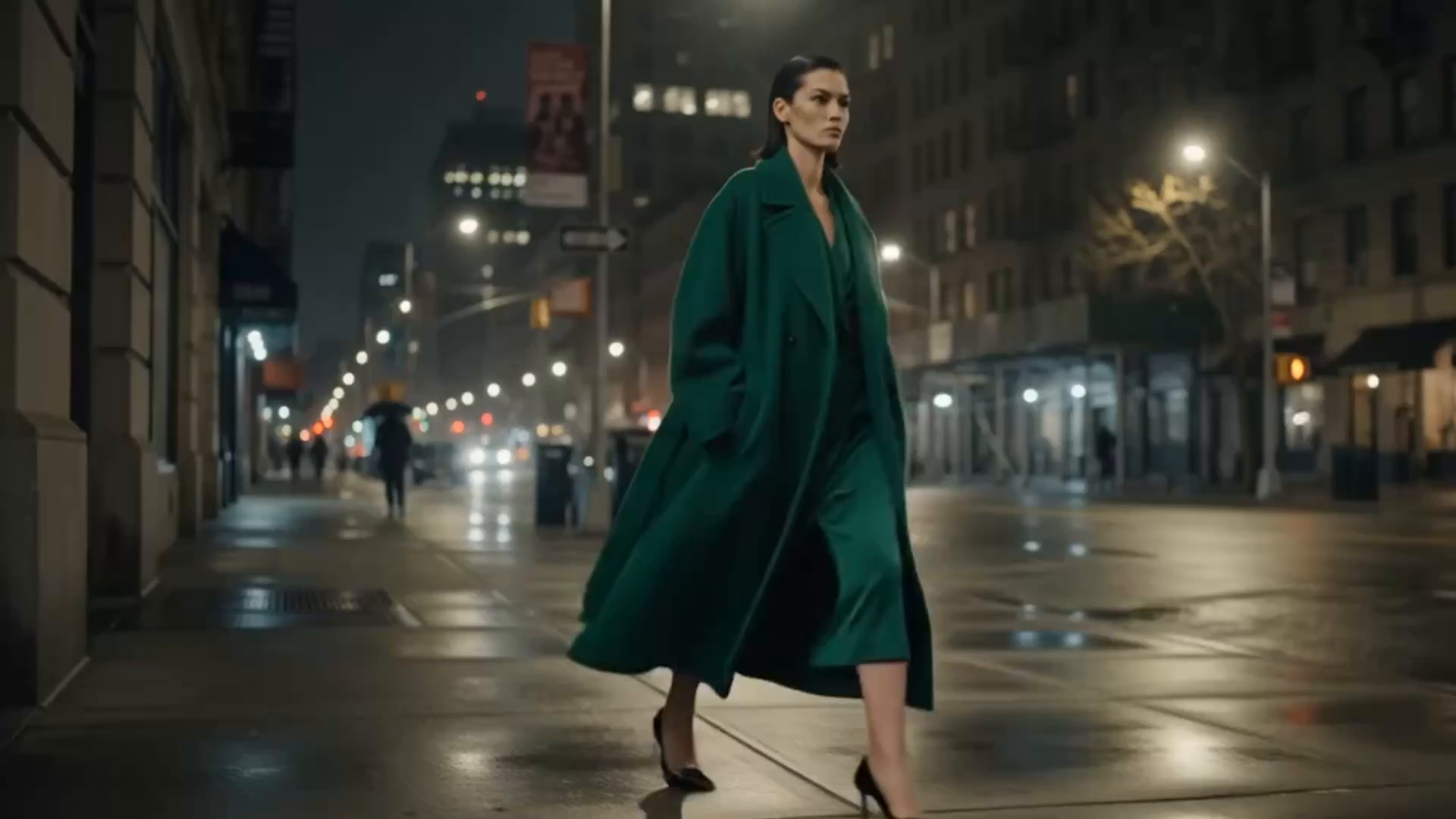
A short cinematic film cut from your looks — runway walk, 360 turn or editorial movement.
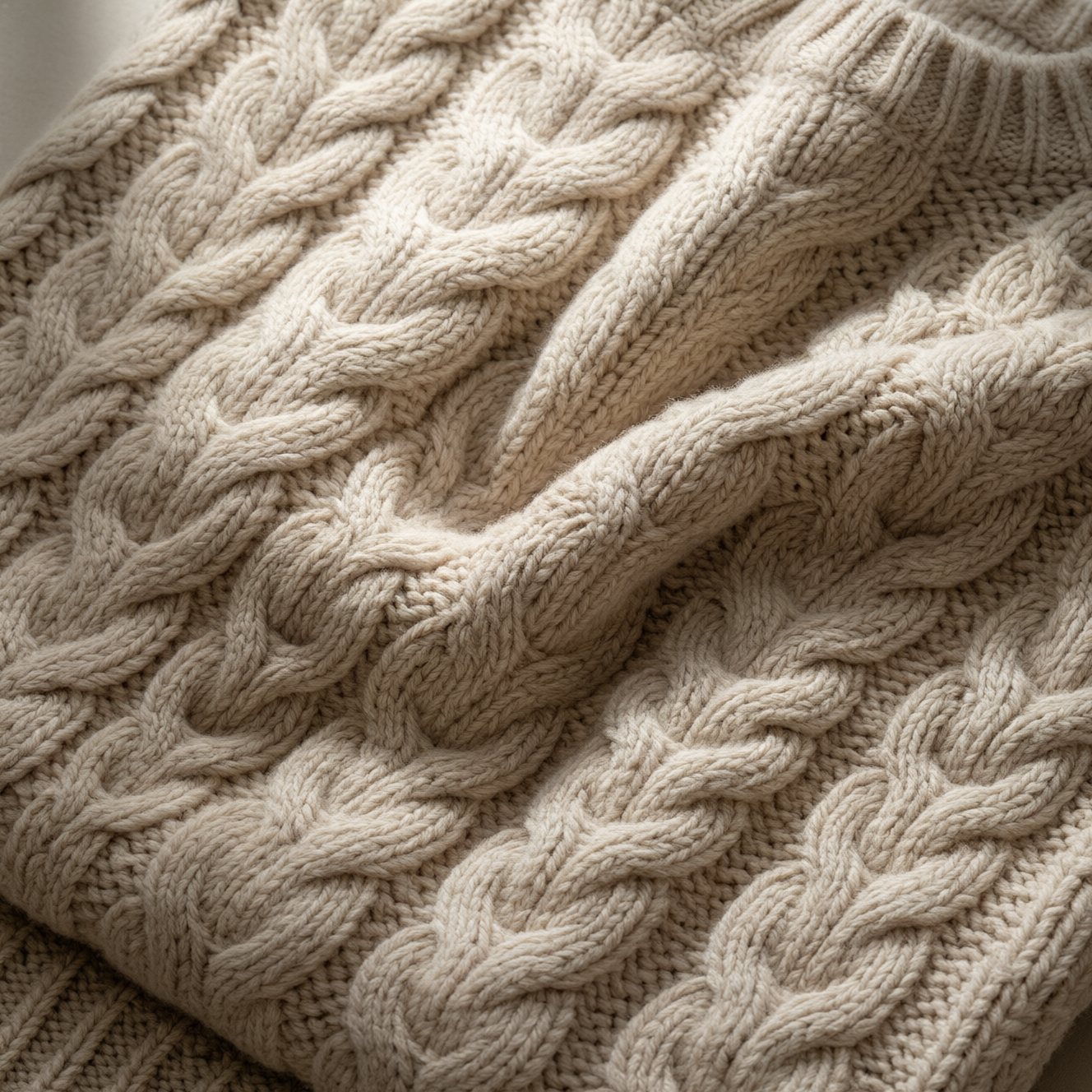
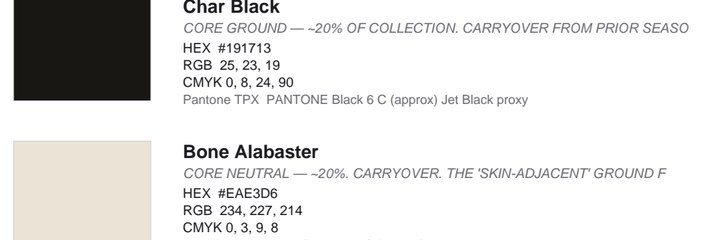
Your palette matched to nearest Pantone TPX with HEX, RGB and CMYK — print-grade PDF + XLSX.
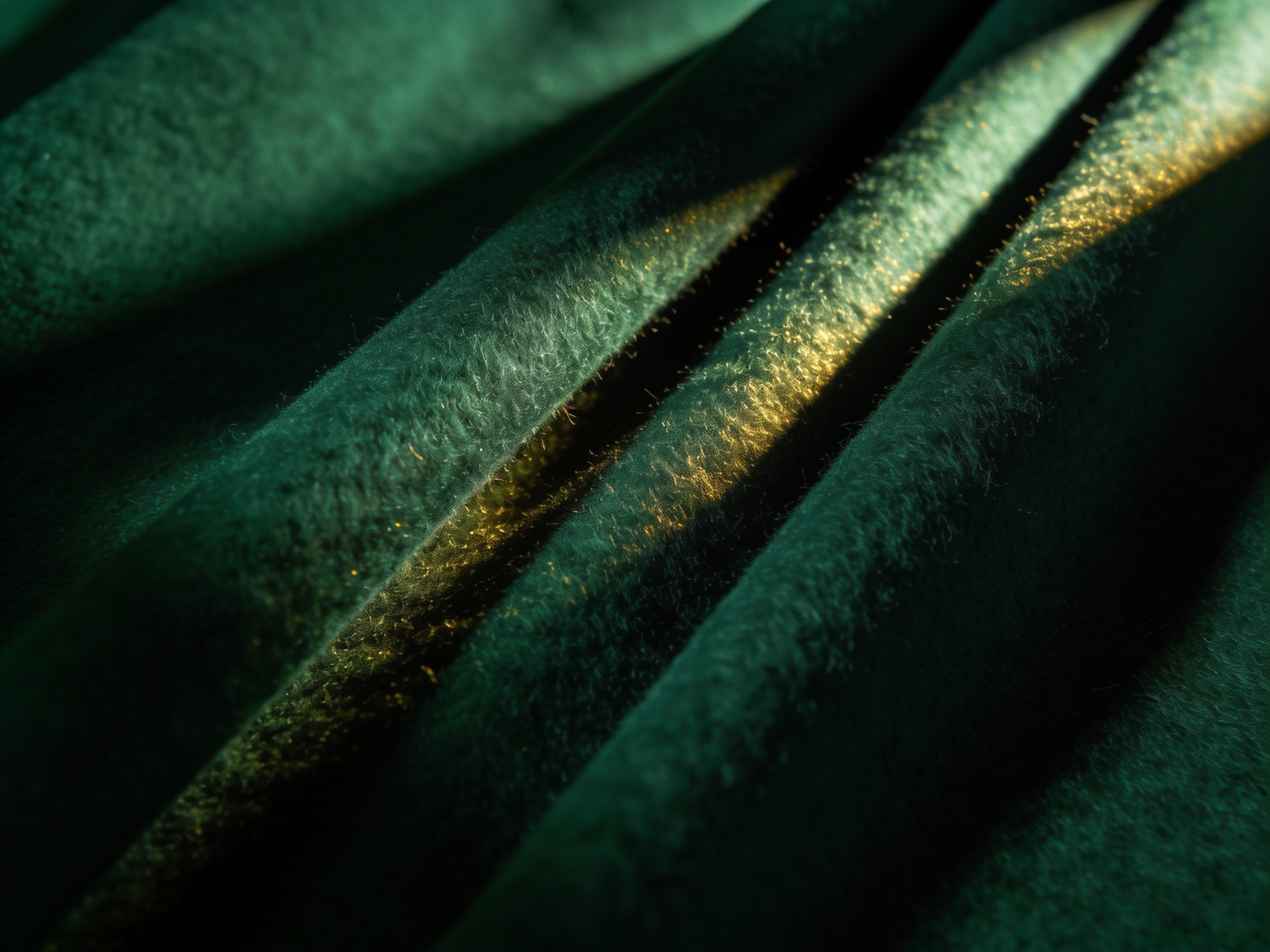
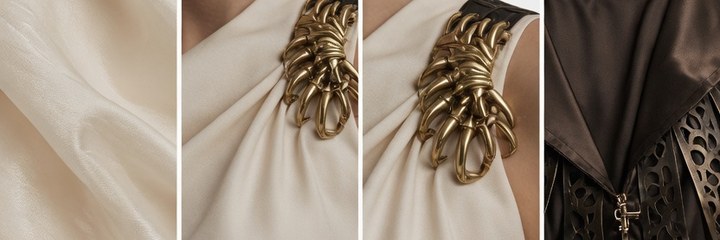
Front/back/side plates and named macro crops — the construction reference buyers expect.
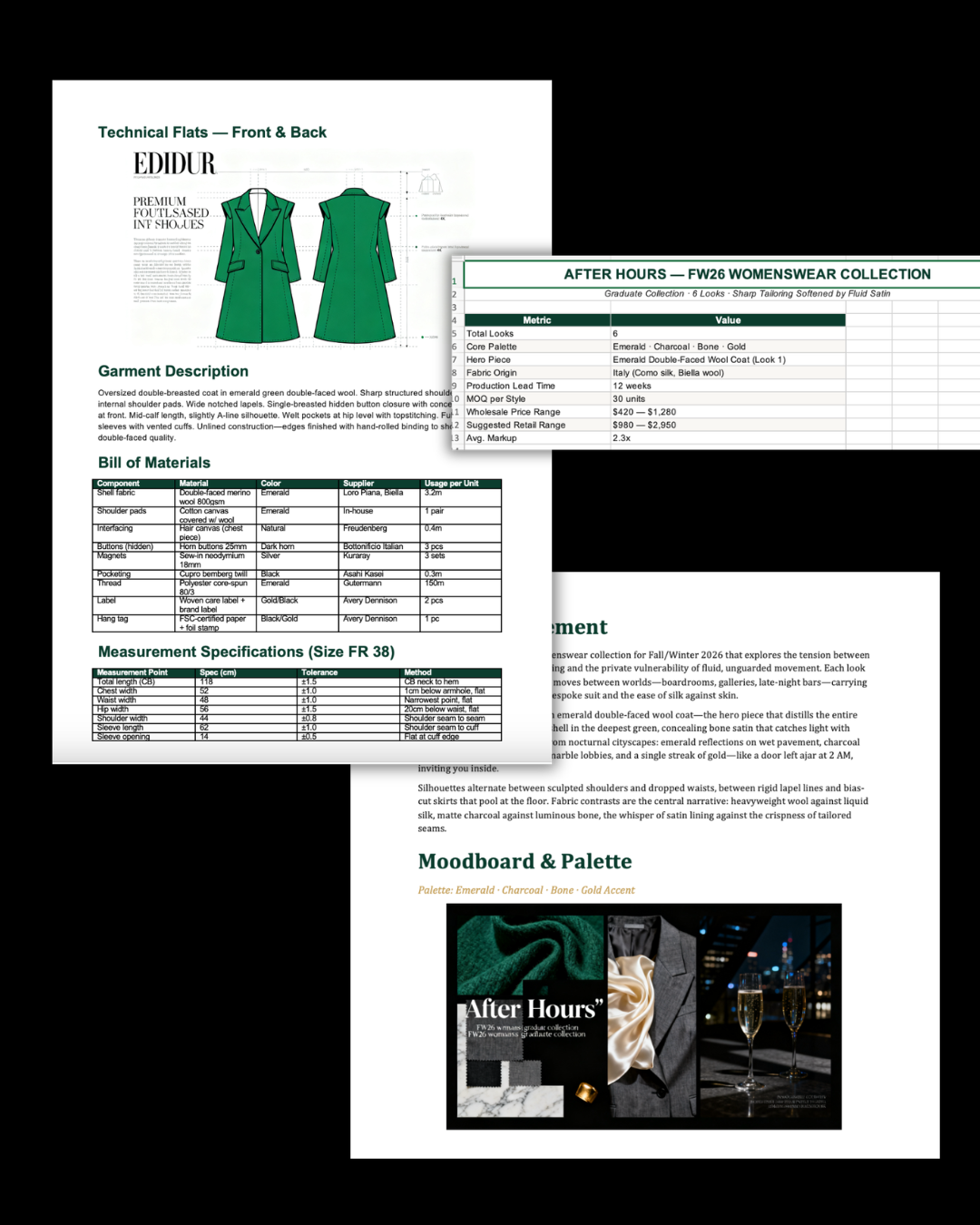
Buyer-grade sheet with garments, fabrication, retail and wholesale on every style.
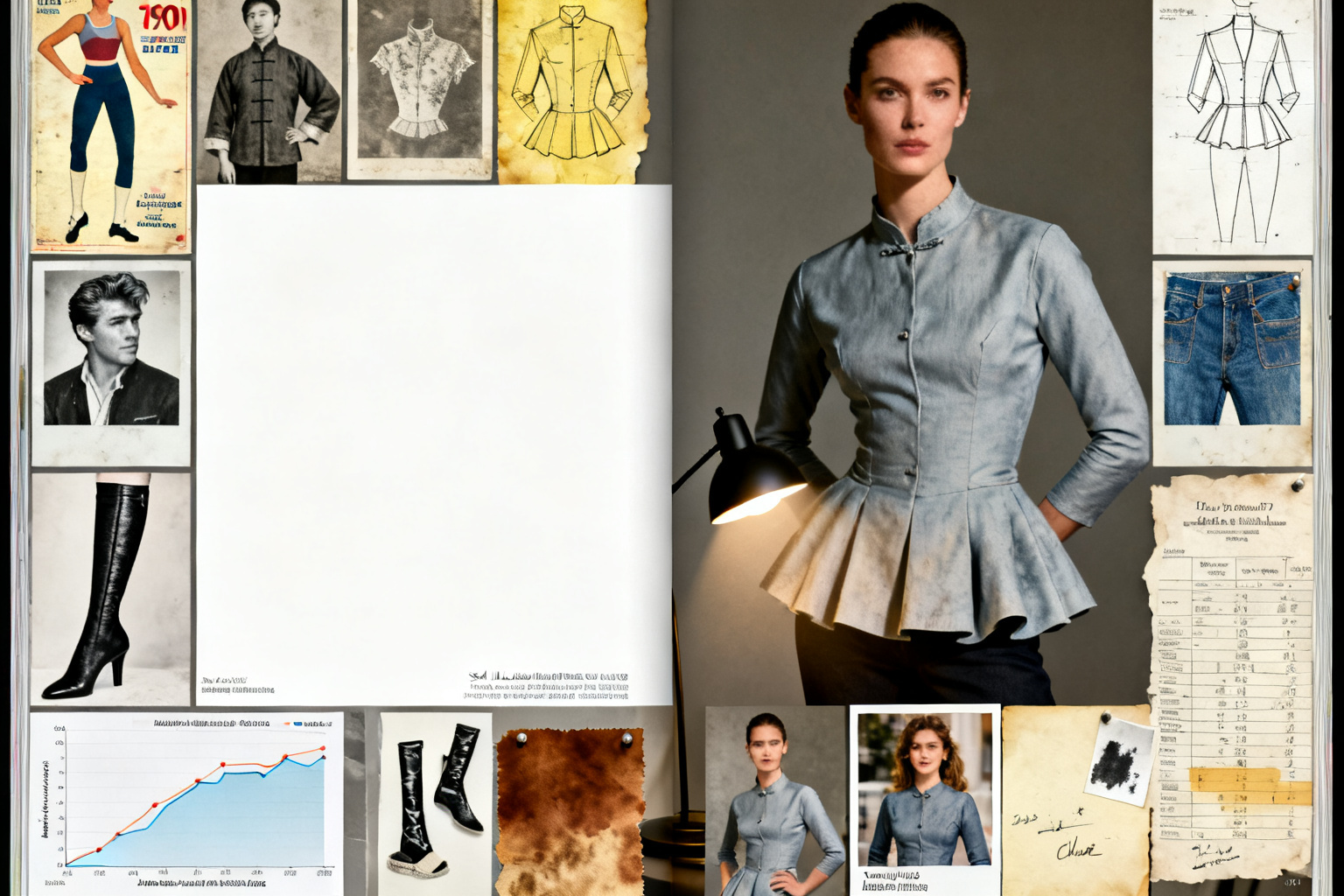
A print-ready lookbook laid out like an editorial spread, with the CD statement up front.
Steal these
Tap copy and paste into the brief to see the range — from quiet luxury to techwear.
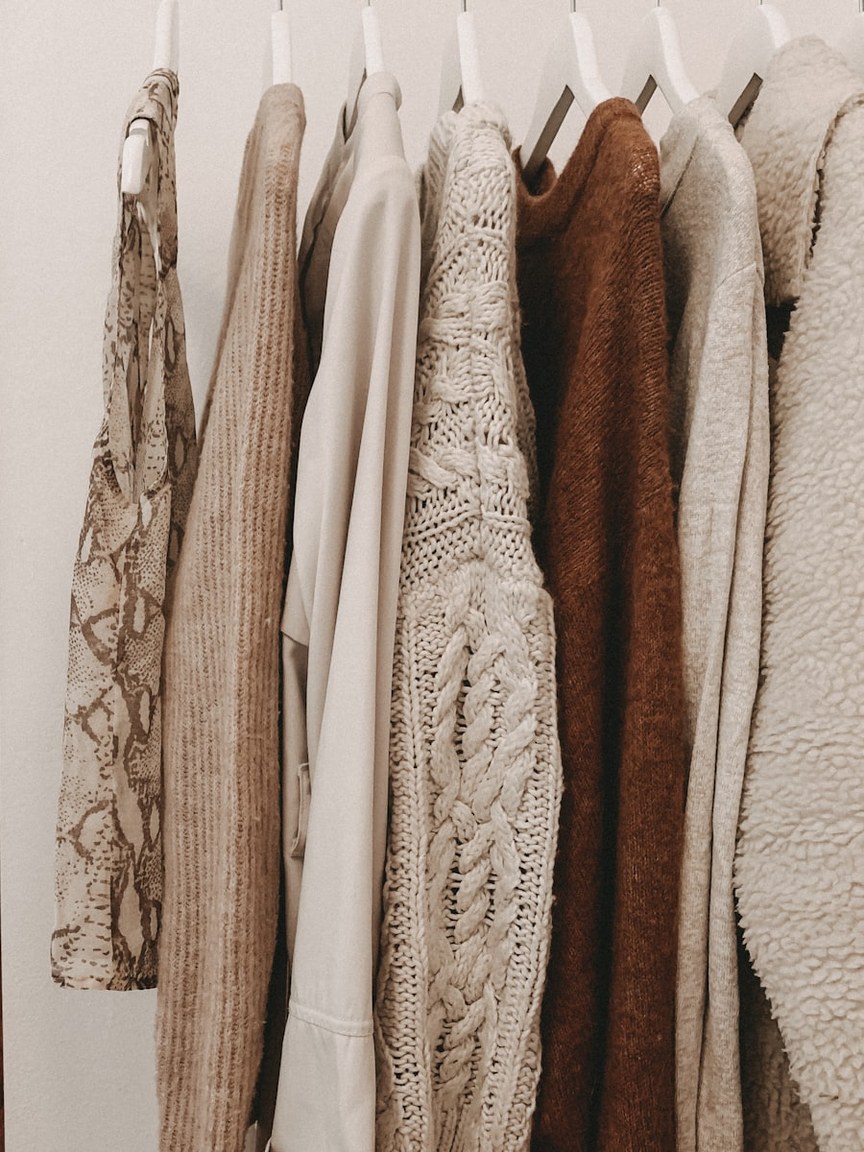
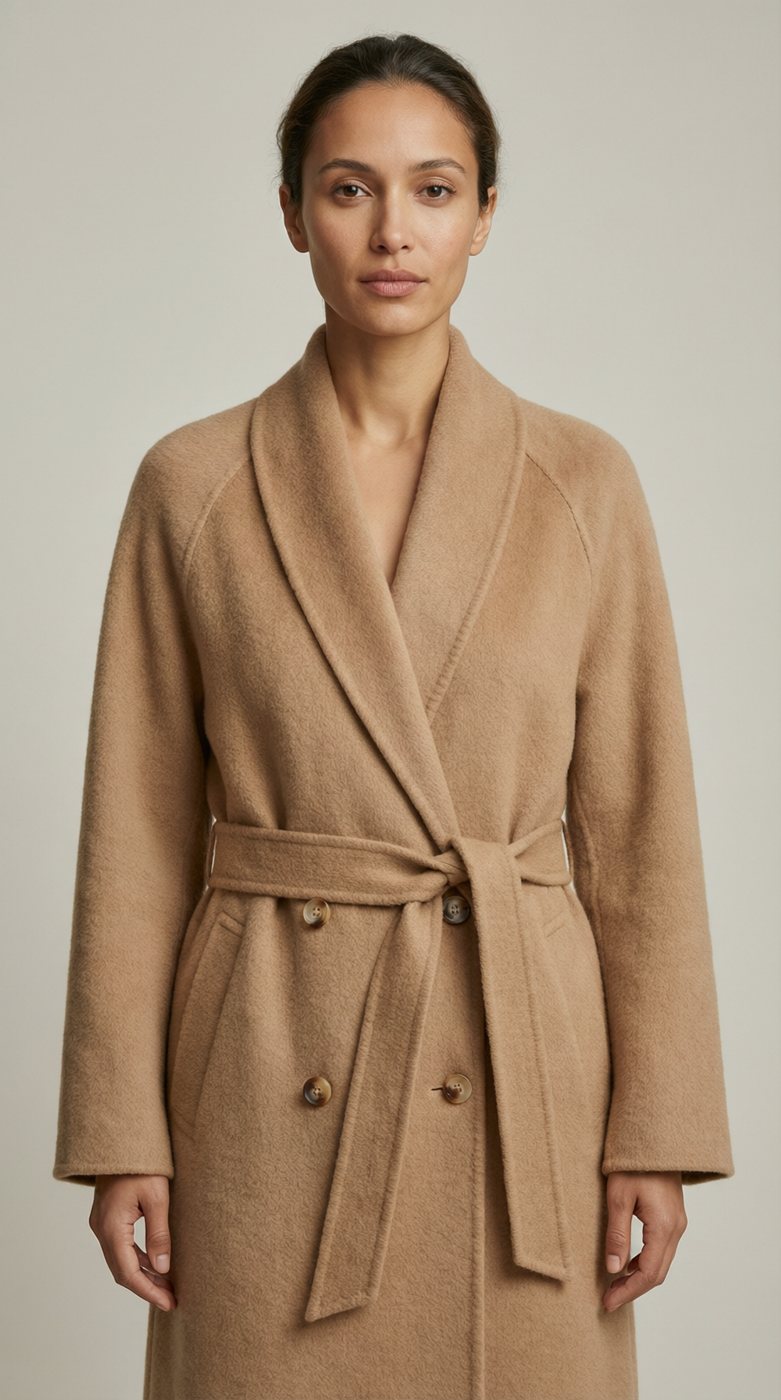
Quiet-luxury knitwear capsule for AW26 — camel, ivory, charcoal, hand-feel first.
Deconstructed tailoring, AW26 — architectural wool, charcoal palette, Berlin energy.
Techwear storm system — bonded nylon, sealed seams, storm grey and steel, urban night.
Riviera resort capsule — linen and silk, ivory and sand, old-money ease, golden hour.
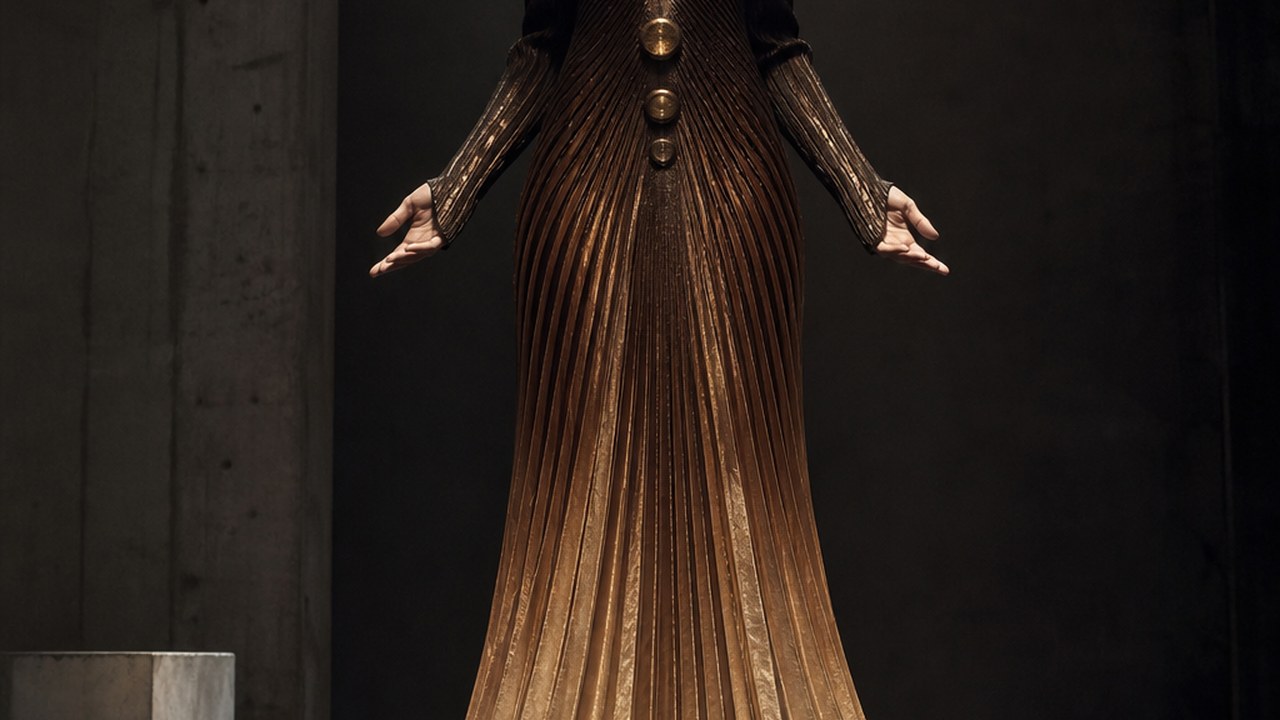
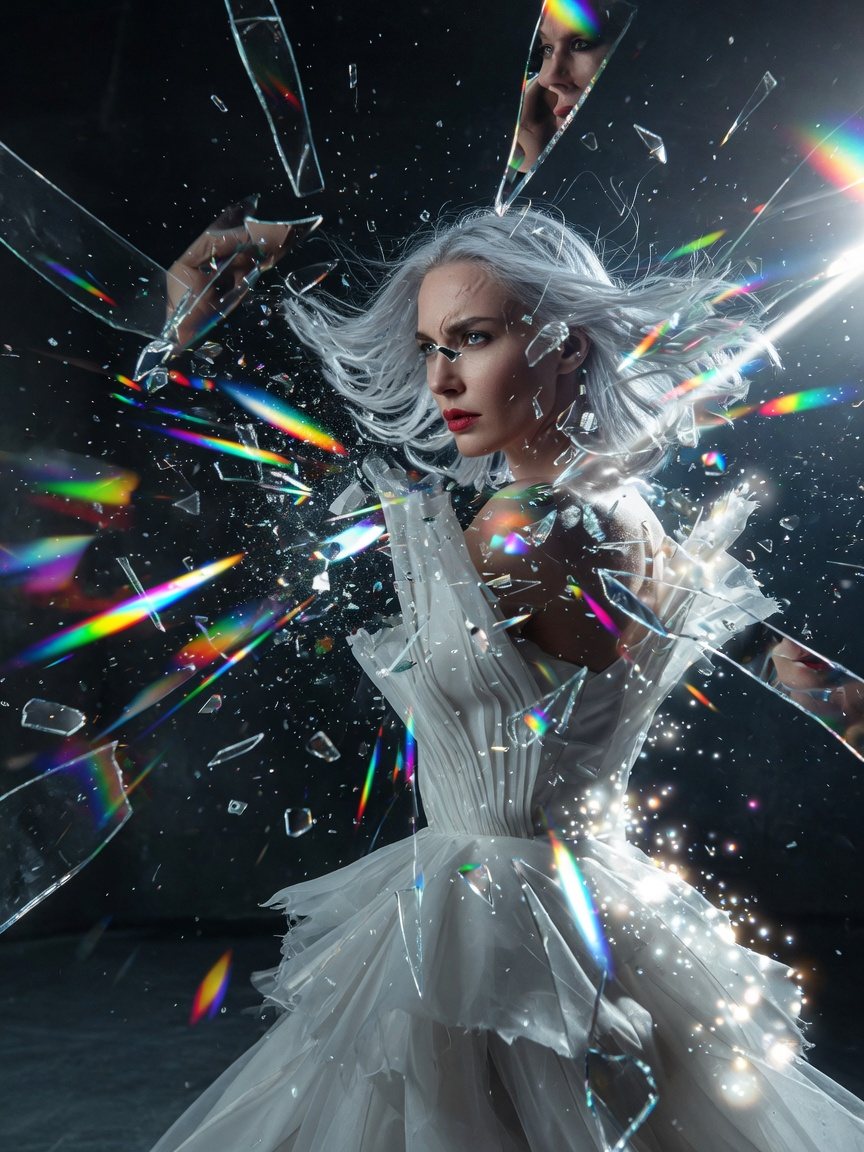
Avant-garde eveningwear — sculptural volume, obsidian and pewter, gallery lighting.
Streetwear drop for SS26 — washed denim, acid pops, oversized fits, street-style shoot.
Watch
Brief → looks → film → ZIP
The archive
Good to know
About three minutes end to end — and you are never waiting on the whole thing. Each deliverable ships the moment it finishes: looks first, then the sheets, the film, the lookbook, and finally the ZIP that wraps them.
Yes — and edits keep the collection’s DNA. Regenerate a single look, add a colorway, or flip a piece to a flat: the palette, hand and direction carry over instead of starting from zero. When it reads right, download again.
Editorial looks as PNG, the campaign film as MP4, the colour shade card as PDF and XLSX, turnaround and detail sheets as PNG, the line sheet as XLSX, and the lookbook as PDF — everything packaged in one ZIP.
No. One written brief is the entire input — a mood, a season, a material, a city. No reference boards, no product shots, no files. If you want to steer harder, the direction pills are there; Auto works from the brief alone.
Type a theme. Get the looks, the film, the shade card and the lookbook — in three minutes.
Where is my mind? — McLeuker, Paris