Solutions · For fashion desks
The Show Desk Agent takes a story or a show from brief to a verified, published feature.
- Made for
- Fashion editors, writers and sub-editors at titles and desks
- You get
- Verified, published feature
Opens in Fashion mode, brief filled in. Standard plan and above.
The job, before and after
Without it
The archive claim is written from memory at 11pm, and the correction runs a week later.
With McLeuker AI
Publish on the record, not on the recollection.
Every show, every season, every filing.
Why it is hard
A fashion desk files against the show calendar with a fraction of the staff it used to have, and the thing that gets cut under deadline is the check. That is exactly the thing a correction is made of.
The agent
The Show Desk Agent
The agent takes a story or a show from brief to a verified, published feature.
Cover this show with the Show Desk Agent.
You fill in
- Show or story
- house, season, date
- Angle
- what the piece argues
- Length and format
- e.g. 900 words, web feature
- Images
- our photos, or generate editorial images
Capture
Phase 1 of 4
- 01
Takes your story brief or show
- 02
Captures looks, credits and runway notes
- 03
Reads social reaction on X, YouTube and RedditBeta
Verify
Phase 2 of 4
- 04
Researches the brand and designer history
- 05
Checks archive claims against the record at that dateBeta
- 06
Flags claims that don't hold up
- 07
Cites every source with its date
Write
Phase 3 of 4
- 08
Drafts the first read
- 09
Finds what readers are searching forBeta
- 10
Builds the SEO brief and headline options
- 11
Creates editorial images when there is no shootImage
- 12
Writes the video script and storyboard
Publish
Phase 4 of 4
- 13
Lays out the feature as a finished page
- 14
Publishes it as a shareable web page
- 15
Updates the editorial calendar for the next showBeta
Verified, published feature
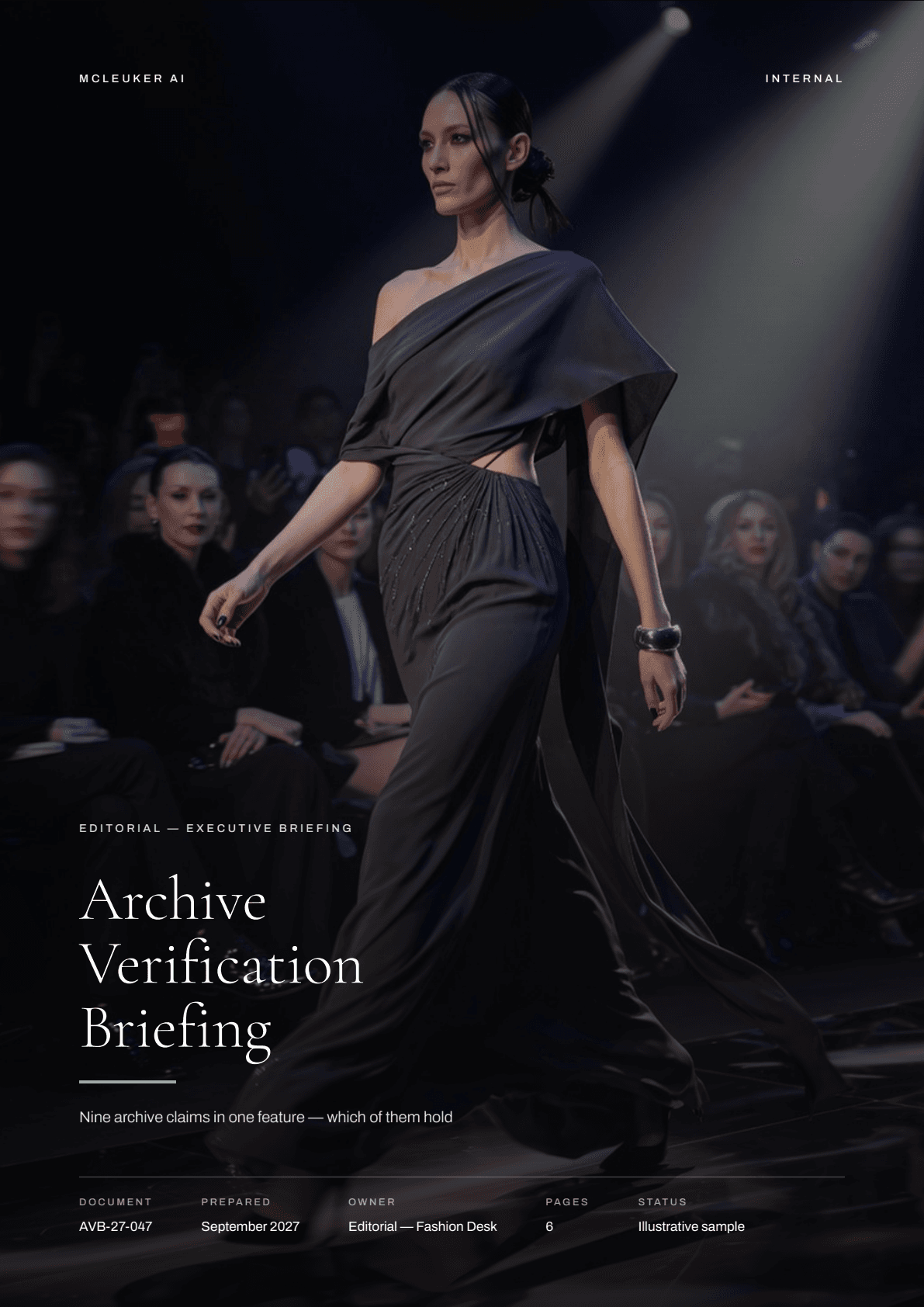
Open an example: Archive Verification BriefingIn depth · Verify
It does not end, it starts again in the next city.
Filing, verifying and seating the next show overlap by design. Drawn as a loop because a line would imply somewhere the desk gets to stop.
- 1
Show
Look notes and credits, taken live and never twice
- 2
File
The first read, filed while the room is still emptying
- 3
Verify
The archive and attribution check that a correction is made of
- 4
Publish
Structured so the piece is findable, not just filed
- 5
Next
The following show, already seated before the last is edited
A ring rather than steps, because the tail of one show overlaps the head of the next. No hours and no cities - a desk's schedule differs by title and by season.
What you get
Verified, published feature.
The Archive Verification Briefing, opened page by page. An example made on McLeuker AI. Its brand and figures are illustrative, as its cover says.
 Archive Verification Briefing · page 1 of 6PDF · Open the file
 Archive Verification Briefing · page 2 of 6PDF · Open the file
 Archive Verification Briefing · page 3 of 6PDF · Open the file
 Archive Verification Briefing · page 4 of 6PDF · Open the file
 Archive Verification Briefing · page 5 of 6PDF · Open the file
 Archive Verification Briefing · page 6 of 6PDF · Open the file
Reports
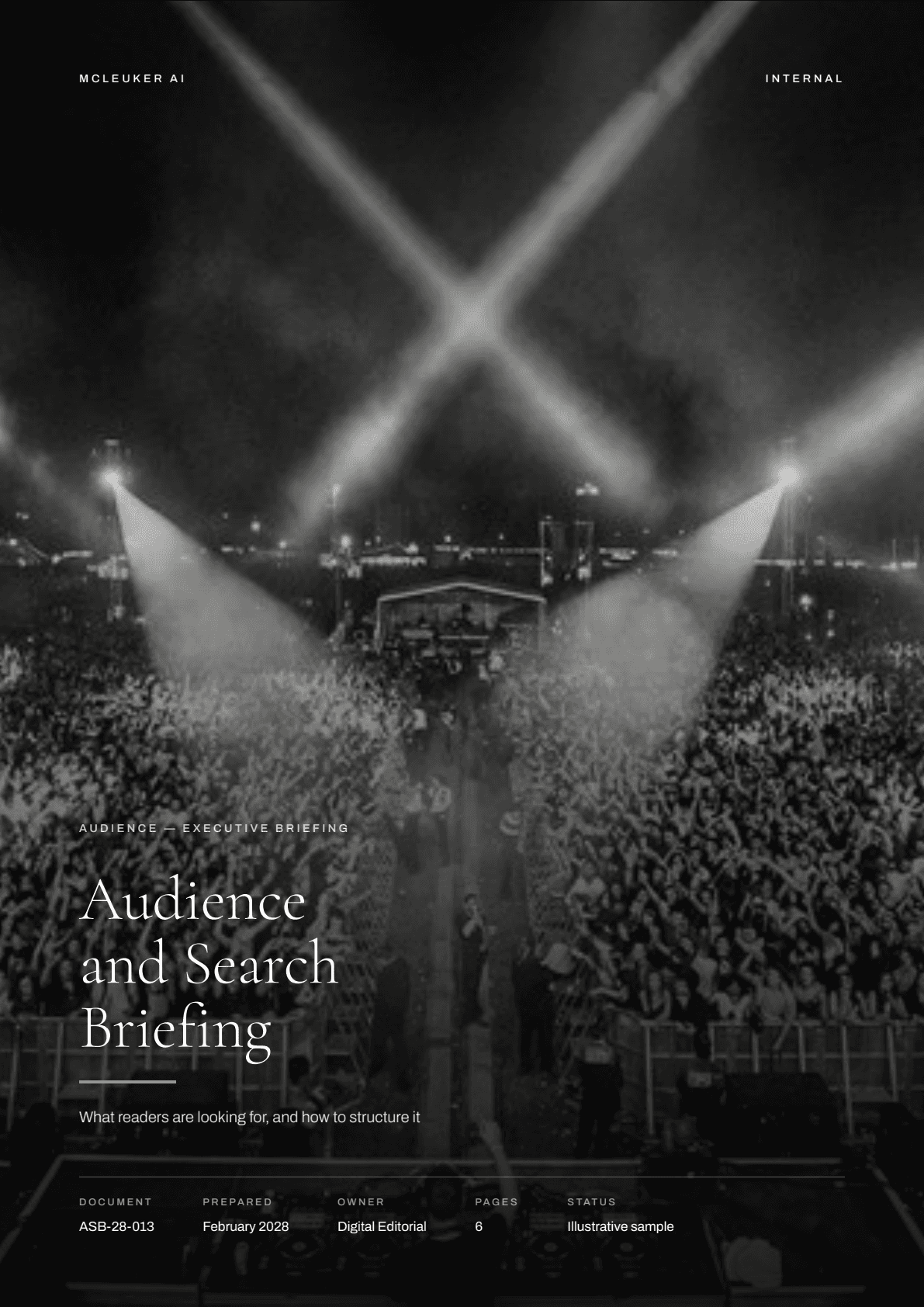
2 briefings written for media & publishing.
Each one is the finished file, opened in full. Every figure in them is illustrative and each says so on its own cover; a real run researches and cites its numbers with an as-of year.
Start
Start the Show Desk Agent.
Its brief opens in the composer. Fill in the [brackets] and send.
Fashion mode, on the Standard plan and above.
Next lane: Luxury houses. The house's own archive, kept dated and cited.
Questions
Before you start.
What does it cost to start?
Signing up costs nothing. There is a Free plan and no card is needed: 300 welcome credits when you verify your email, 100 daily credits you can claim every 24 hours, and 3 questions a day in Instant and Thinking. The agents on the solution pages run in Fashion mode, which opens on the Standard plan and above. What each plan opens is on the pricing page.
How long does a run take?
It depends on the job. A studio run is minutes: a fashion collection takes about three minutes end to end, and a product campaign set about two minutes forty. An agent works through every step of its run and stops when the file is finished, so it takes longer; you can follow each step as it runs.
What do I need to bring?
A question or a brief is enough to start. Studios that work from your own material take it directly: a product photo, a store link or a description for a campaign; garments and a model or your own photo for try-on; a sketch, a reference or an existing spec for a tech pack. You can attach files to a message - one file of up to 10 MB on the Free plan, more on paid plans.
Can I edit the files afterwards?
Yes. Decks are PowerPoint with real text boxes, shapes and native charts; spreadsheets have typed cells and live formulas; Word documents keep their styles, headings and a table of contents that updates. Research reports come as an editable PDF or DOCX.
Is my data used to train models?
No. McLeuker AI does not use your content, your files or your connected-account data to train or fine-tune AI models, as the Privacy Policy and the Terms both state. Limited, aggregated and de-identified logs may be used to improve reliability and security.
How far back can it read an archive?
As far as the dated captures go for each source. Each read is anchored to a date, and every claim carries its source and that date.
What does a skipped fact-check cost?
The correction, which is what readers remember. The check is the step with no fixed length, so the agent runs it inside the same run as the draft rather than after it.