McLeuker Whiteboard Design: Wire the Studios Together
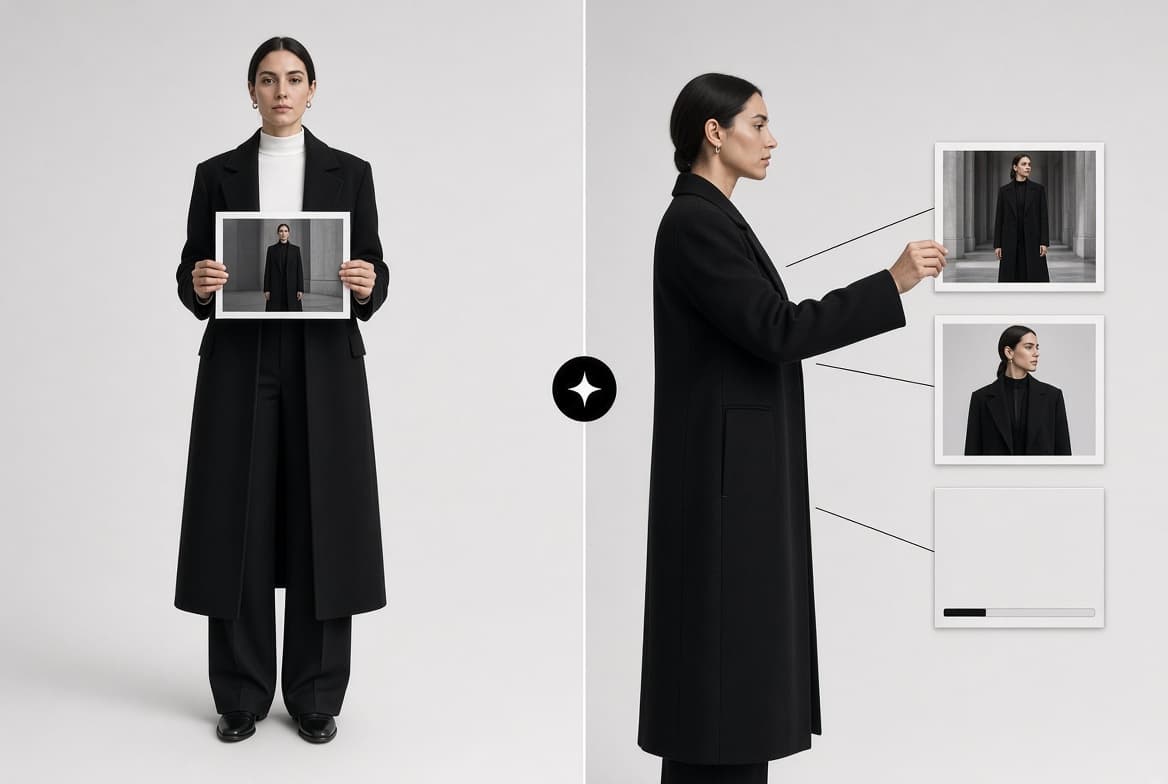
Whiteboard Design chains the studios on one canvas: drop a picture, wire it into image, try-on, campaign, video and audio cards, and each run feeds the next.

McLeuker Whiteboard Design is the canvas in McLeuker AI where the studios work together. Every other studio answers one brief and stops; a board is where the answer keeps going. Drop a picture, wire it into the cards that work from it, and each run feeds the next. It is the same studios at the same prices, laid out so you can change one card without re-running the rest.
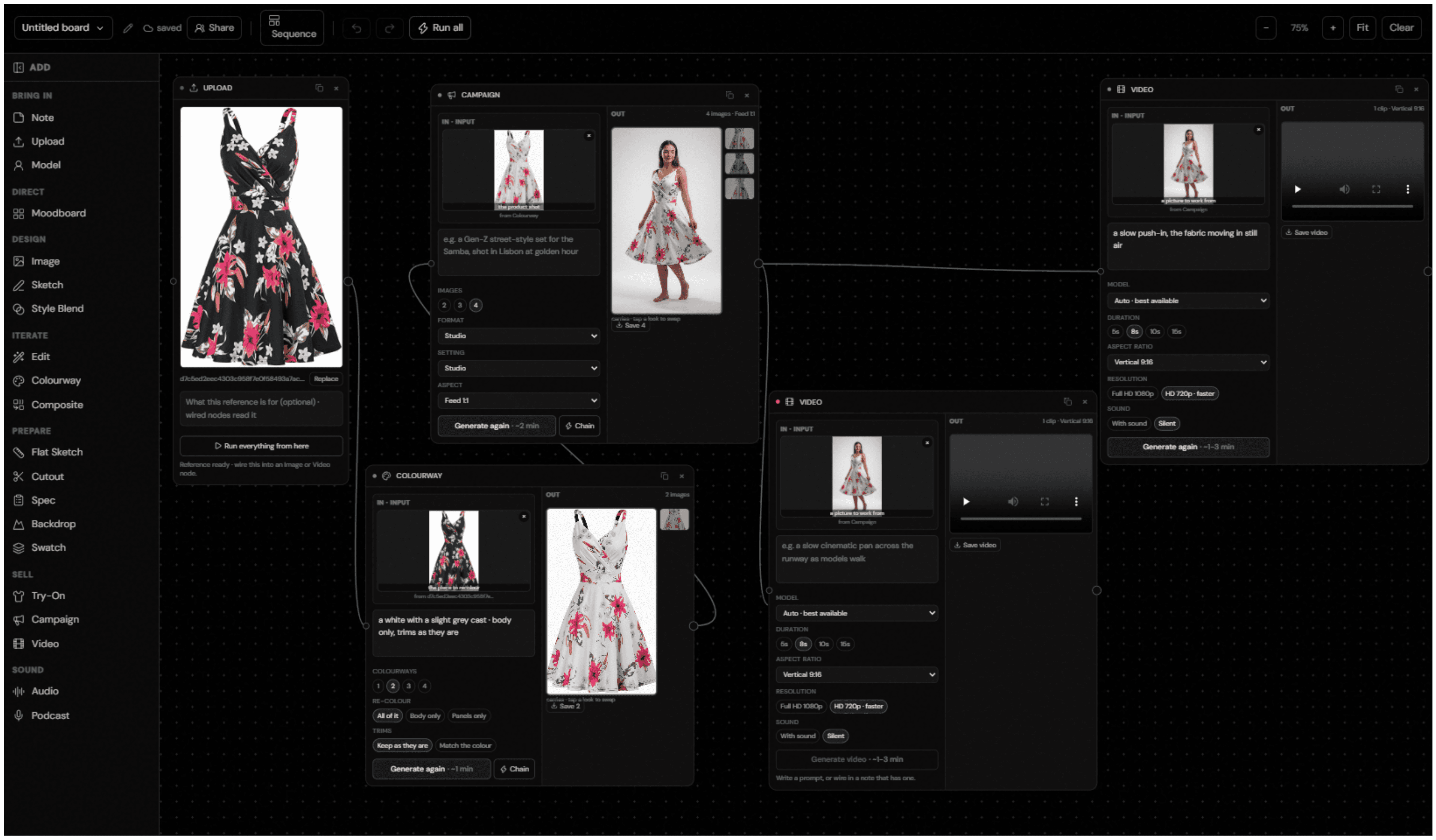
Whiteboard Design in one minute
- What you give it: one picture to start from: an upload, a model from the roster, or a first frame generated on the board.
- What you get back: the whole set, each file downloadable from the card that made it, saved as a project you can share.
- What is on the canvas: cards for bringing work in, directing, designing, iterating, casting, preparing, selling and sound.
- Who it is for: e-commerce teams producing every angle of every product, design studios, campaign and brand teams, and production teams preparing product packs.
- Where to start: the Whiteboard Design page shows a board at work.
How it works
- Bring one picture. Upload a product or a look, or pick a model.
- Drop the cards. Image, sketch, edit, colourway, cutout, try-on, campaign, video, audio and more.
- Draw the wires. An output wired into a card becomes that card's input.
- Run one card, or the whole board. Each card shows its price, the board totals them before anything starts, and nothing runs until you press it.
Start from a ready-made board
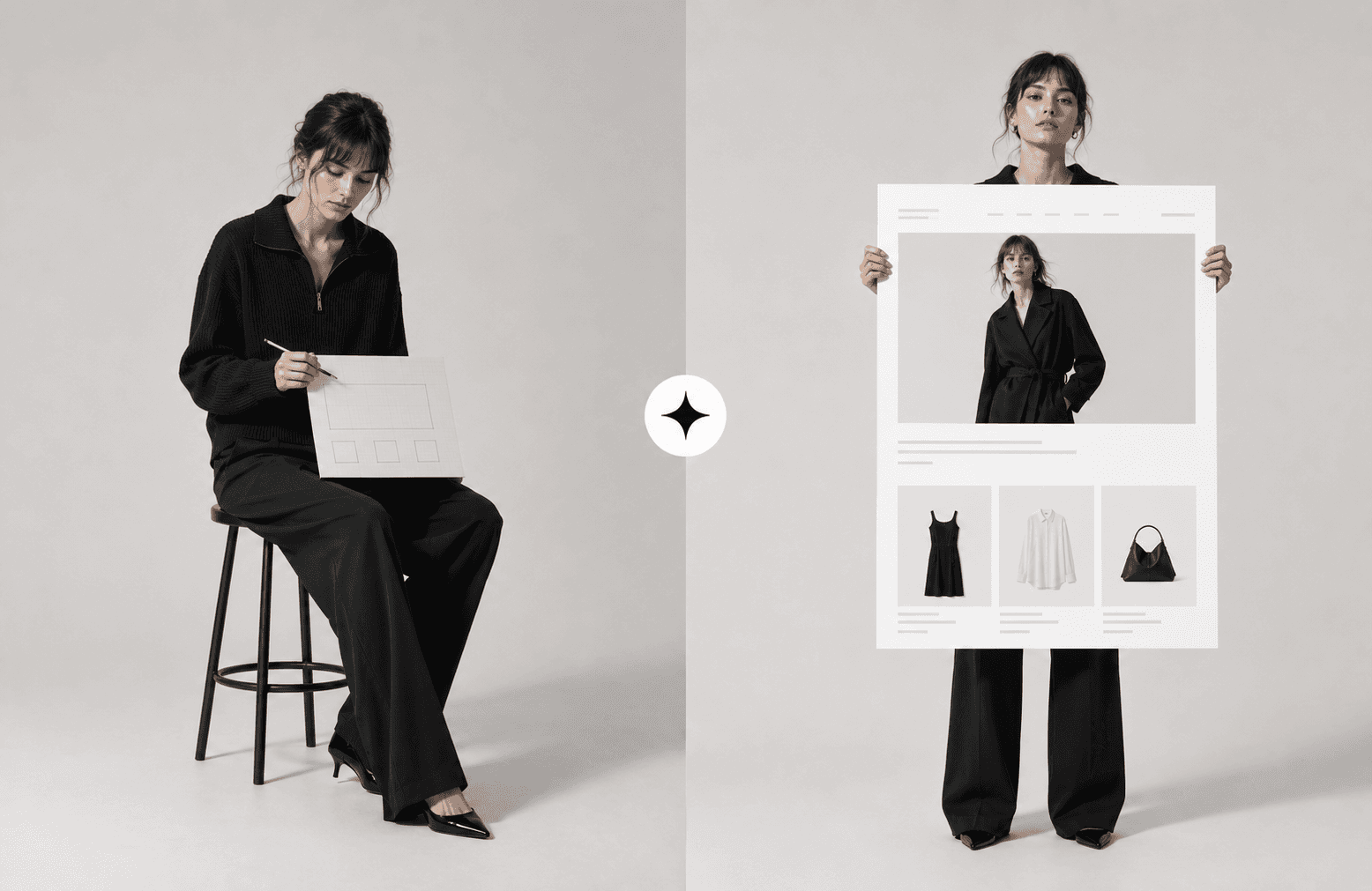
Eight boards come ready to use: every angle of one product; a look on a model; a campaign set; a look and its pieces; a photo to a product pack; a garment broken down; a sketch to shelf; and one hero image in every format.
Where it fits across the nine sectors
- Beauty: build a content pipeline on one board, from a packshot to a campaign set and a Reels clip.
- Lifestyle: chain a product through every format.
- Fashion Tech: wire the studios into one pipeline.
Briefs to try
- "Start from our lipstick packshot: cut it out, run a campaign set in three shades and a 9:16 clip for Reels."
- "One product photo to cutout, three colourways, a campaign set and a 15-second video."
- "Our weekender bag upload wired into a campaign set, then a vertical clip and a square cut for each channel."
What it does not do
- It does not run anything you did not press. A board is a plan until you run a card or the whole thing.
- It does not re-run the whole board for one change. Change one card and run that card; the rest of the board keeps what it already made.
- It does not replace the studios. It uses them. Each card is the same studio you would open on its own.
Frequently asked questions
What is McLeuker Whiteboard Design?
It is the canvas in McLeuker AI, the AI platform built for fashion, where you wire studio cards together so each output feeds the next: image, try-on, campaign, video, audio and more.
Do I have to build a board from scratch?
No. Start from one of eight ready-made boards, such as a campaign set or every angle of one product, and change what you need.
How do I know what a board will cost?
Each card shows its price, and the board adds them up before anything starts.
Can I share a board?
Yes. A board is a saved project you can share, and every file can be downloaded from the card that made it.
McLeuker AI is the AI platform built for fashion: research, creative and production studios that each return a finished file. See them all on the products page, or open Whiteboard Design and lay out the week of content you would otherwise make one file at a time.
Filed under
Series · Meet the Studios
1 of 17