McLeuker Video: Fashion Films From One Shot Description
Video turns one shot description, or a still you already have, into a 5 to 15 second fashion film, with duration, aspect, resolution and sound set as controls.

McLeuker Video is the studio in McLeuker AI that turns one shot description into a short fashion film. Brief it the way you would brief a director of photography, with the move, the light and the lens, and set the duration, the aspect and the finish as controls rather than leaving them to chance. It can also start from a still you already have and animate it.
Video in one minute
- What you give it: a description of the shot, or an image to use as the first frame.
- What you get back: one clip of 5, 8, 10 or 15 seconds, in one to three minutes.
- What you can set: duration, aspect (16:9, 9:16 or 1:1), resolution (1080p or a faster 720p), sound or silent, and the model, or Auto.
- Who it is for: social and paid media teams, show and event producers, merchandisers who want motion on product pages, and creative directors getting a treatment approved.
- Where to start: the Video page plays two films the studio made. Signed in, it has its own studio.
How it works
- Describe the shot. What moves, how the camera moves with it, and the light.
- Set the cut. Duration, aspect, resolution and sound. The defaults are the lightest valid clip: 5 seconds, vertical, 720p, silent.
- Get the film. One MP4, ready to post or to drop into an edit.
Words the brief understands
- Motion: runway walk, 360 turn, pose hold, walk to camera, fabric in motion, detail pan, editorial movement.
- Camera: locked off, slow push-in, tracking, crane and aerial, handheld.
You can also start from a frame: bring a still from Image or, on a whiteboard, wire an image card straight into a video card.
Where it fits across the nine sectors
- Catwalks: cut a runway film from one description.
- Culture: make a short brand film from one description.
- Beauty: a 9:16 clip of a packshot for Reels, as part of a content pipeline on one board.
Briefs to try
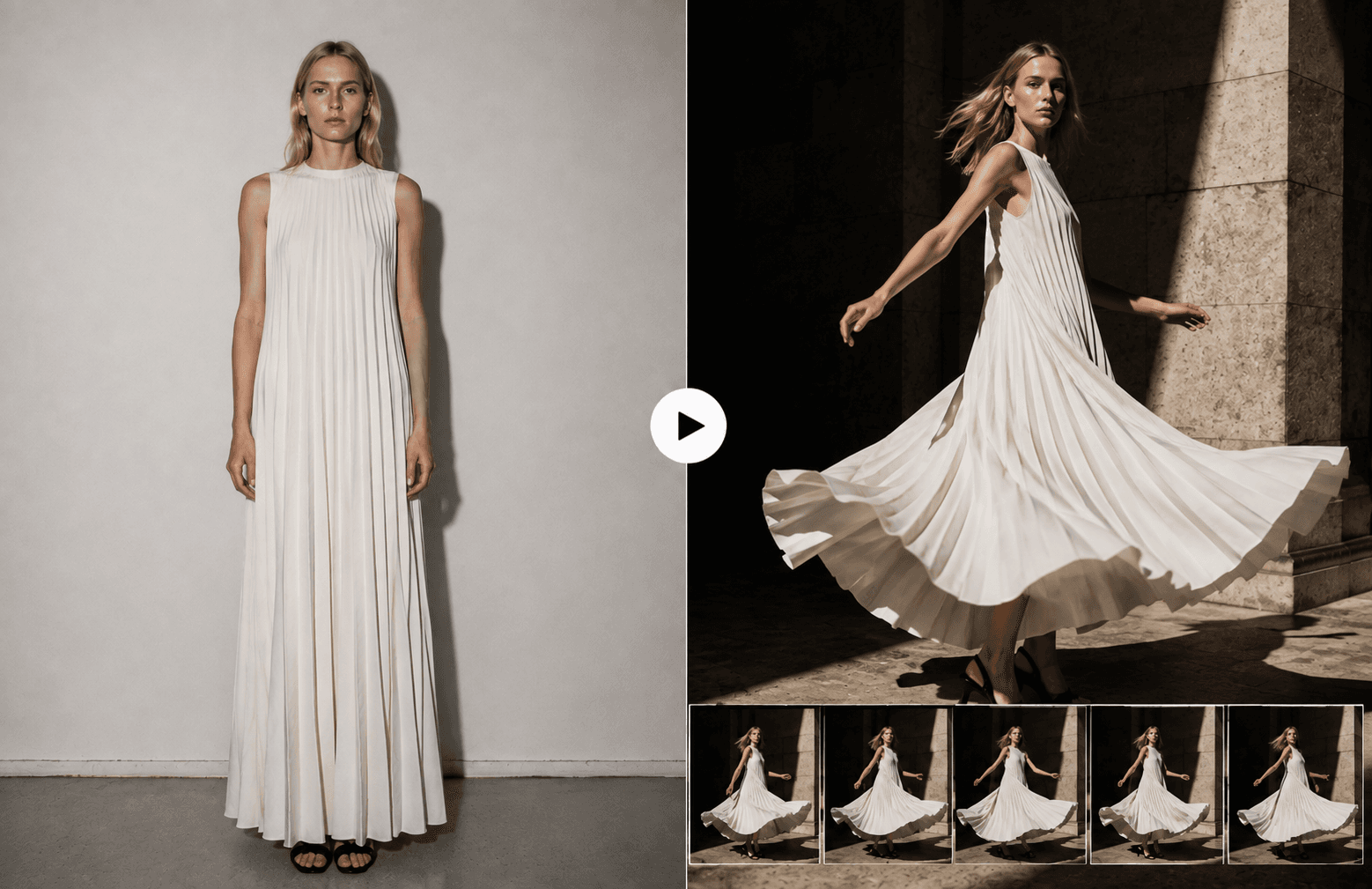
- "A 10-second vertical runway film: one model walking toward camera in a pleated ivory gown, slow push-in, hard side light."
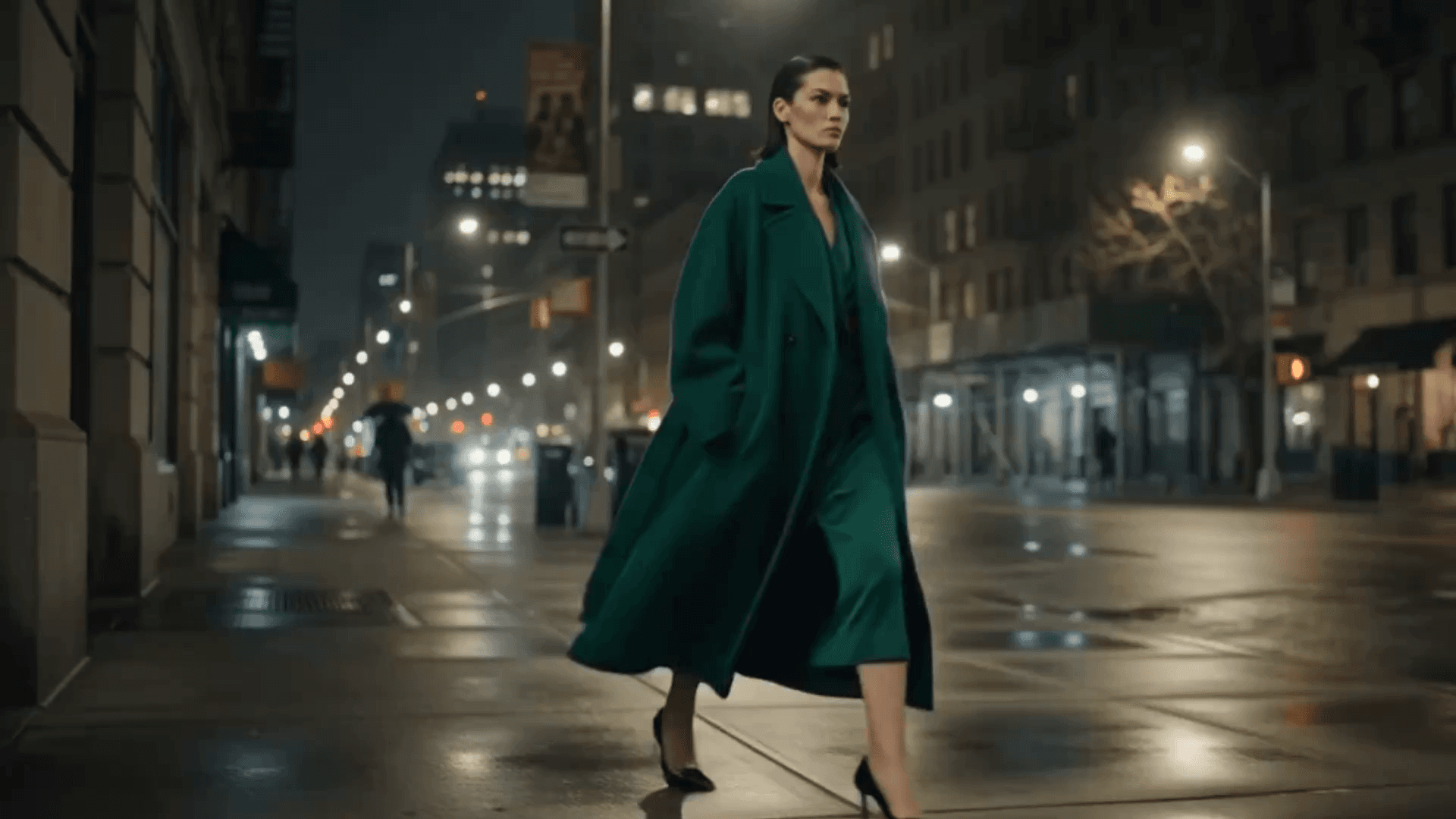
- "A 15-second film: a wet night street, neon reflections, a figure in a long coat walking away from camera, handheld."
- "Animate this product still: a slow 360 turn on a plinth, soft key light, square, silent."
What it does not do
- It does not make long films. One clip is 5 to 15 seconds. Longer pieces are cut from several clips.
- It does not promise sound on every clip. Sound is available where the selected model supports it; silent is always an option.
- It does not edit your existing footage. It generates new clips, from a description or from a still.
Frequently asked questions
What is McLeuker Video?
It is the video studio in McLeuker AI, the AI platform built for fashion. It turns one shot description, or a still, into a 5 to 15 second fashion film.
Which formats does it support?
Landscape 16:9, vertical 9:16 and square 1:1, at 1080p or 720p, delivered as MP4.
Can I animate a photo I already have?
Yes. Use the still as the first frame and describe the motion.
How long does a clip take?
Usually one to three minutes. Every run shows its price before it starts.
McLeuker AI is the AI platform built for fashion: research, creative and production studios that each return a finished file. See them all on the products page, or open Video and write the one shot you would build the campaign around.
Filed under
Series · Meet the Studios
13 of 17