McLeuker Moodboard: From a Brief to a Colour Story
Moodboard researches a concept, then composes a cohesive board: colour story, references, materials and mood, with the palette in hex and an optional web page.

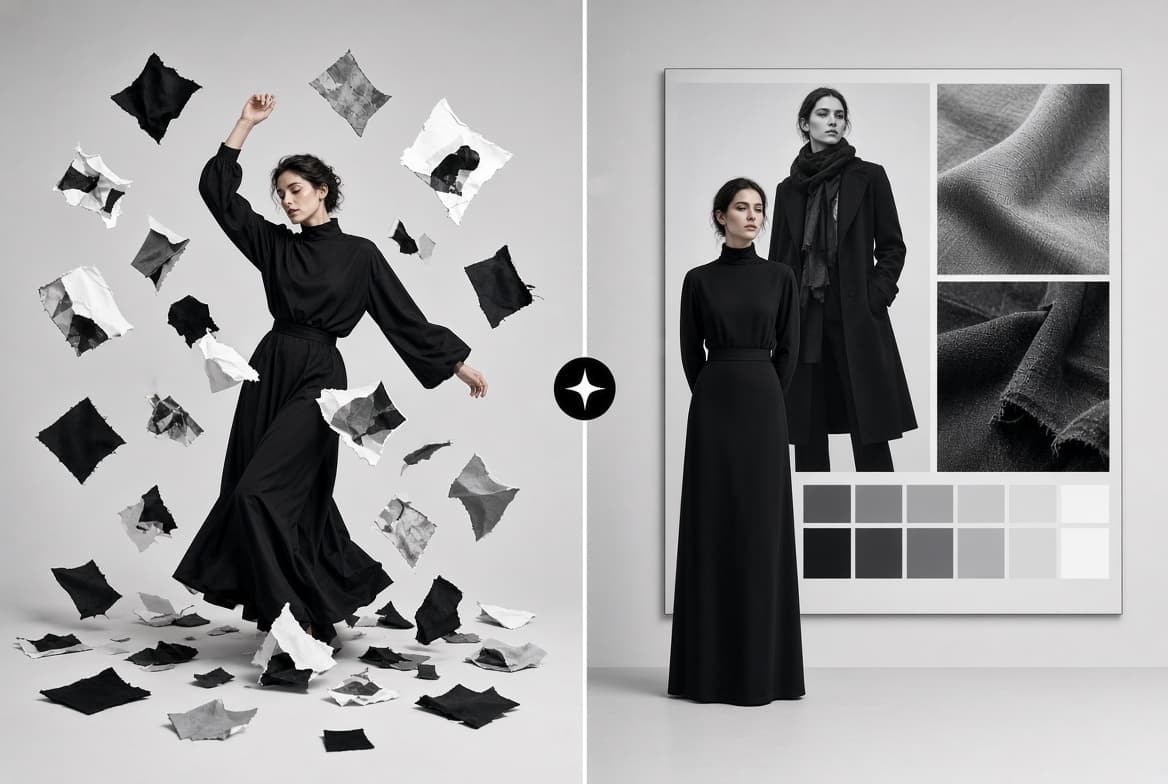
McLeuker Moodboard is the studio in McLeuker AI that turns a concept written in plain language into a composed moodboard. It researches the direction first, then assembles the board: a colour story, references, materials and mood, with the palette pulled out in hex. You can have it as an image, as a shareable web page, or both.
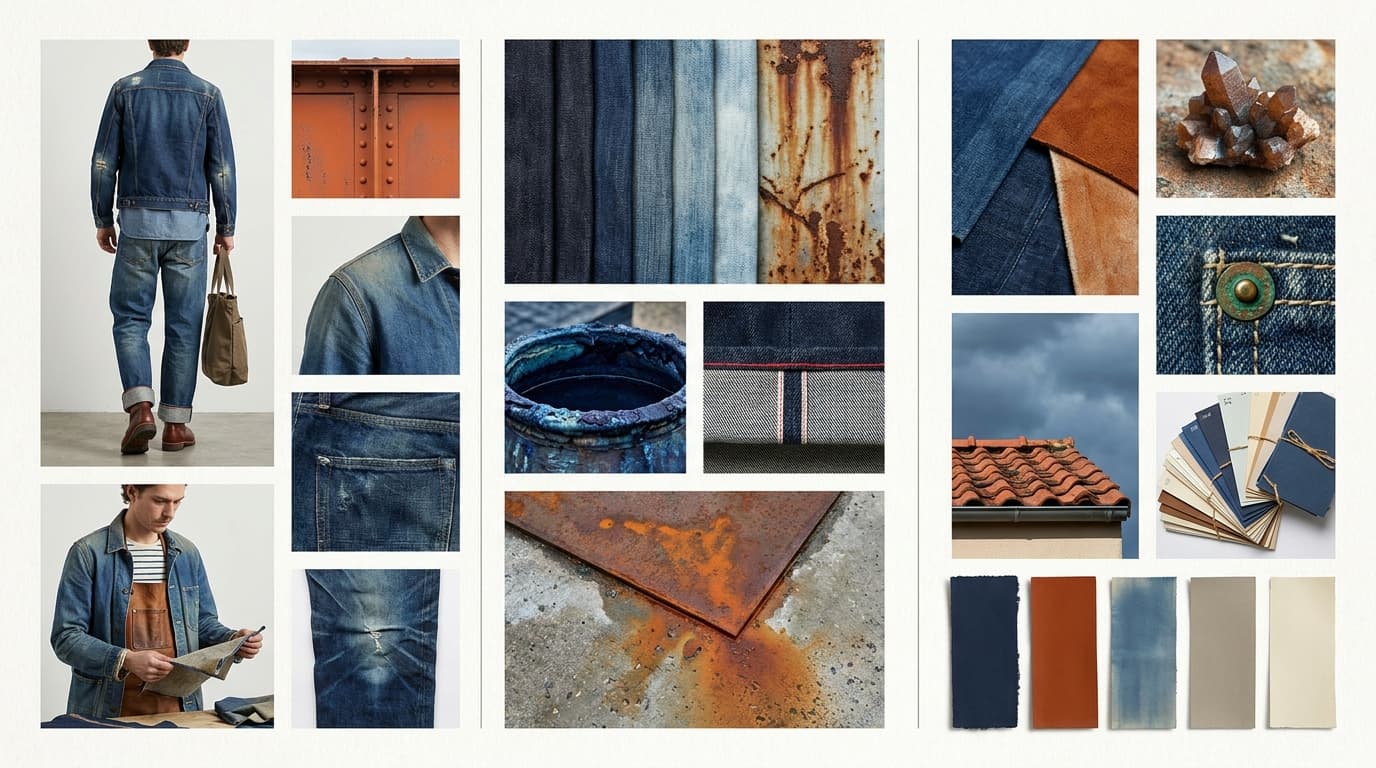
Moodboard in one minute
- What you give it: a brief describing the concept. Everything else is optional.
- What you get back: a composite board image, optional editorial frames, and a shareable web page with the palette in hex.
- What you can set: the type of board, the mood, the style, the layout, the format, how many generated looks and how many real photographs.
- Who it is for: designers opening a season, creative directors pitching a direction, and anyone who needs to show a feeling rather than describe it.
- Where to start: the Moodboard page has a library of boards it has made.
How it works
- Describe the concept. "A mood for a slow Sunday skincare ritual: linen, steam, pale stone, unhurried morning light, nothing glossy."
- Set the four axes, or leave them on Auto. Board type, mood, style and layout, described below.
- Get the board. Composed, with the palette extracted, as an image, a web page or both.
The settings
- Board type: inspiration, concept, trend signal, colour, fabric and texture, silhouette, styling, muse or lifestyle.
- Mood: seventeen, from romantic and opulent to clinical and cinematic.
- Style: sixty-eight named aesthetics, from quiet luxury and gorpcore to Y2K and Riviera.
- Layout: editorial grid, magazine spread, tear-sheet, scrapbook, corkboard, polaroid, painterly, zine or riso.
- Images: one to six generated looks, and none to ten real photographs from licensed stock libraries, credited.
Where it fits across the nine sectors
- Beauty: build the concept board for a new range.
- Textile: build a material board by hand and weight.
- Catwalks: build the season moodboard from the runway.
- Culture: map a cultural reference as a board.
- Sustainability: design a palette with less dye in it.
Briefs to try
- "A concept board for an evening makeup capsule: deep berry lips, glass skin, the city at night, one metallic accent."
- "A material board for a tailoring range that has to hang correctly: heavy wool, dry cotton, one fluid silk."
- "A knitwear palette built on undyed wool and low dye load: six close shades that read as one tone from a distance."
What it does not do
- It does not replace your edit. It compresses the sourcing; which references stay is still your call. Our moodboard workflow guide shows where that line sits.
- It does not scrape random images. Photographs come from licensed stock libraries and are credited; generated looks are made for the board.
- It does not export PDF. Boards come as images and as a web page you can share.
Frequently asked questions
What is McLeuker Moodboard?
It is the moodboard studio in McLeuker AI, the AI platform built for fashion. It researches a concept and composes a board with a colour story, references, materials and mood.
Can I get the colour palette?
Yes. The palette is extracted with hex values, and the web page version carries it alongside the board.
Does it use real photographs?
It can. Choose between none and ten real photographs from licensed stock libraries, credited, alongside up to six generated looks.
How is a board different from a collection?
A board sets a direction. A collection turns a direction into looks, sheets, a shade card and a line sheet.
McLeuker AI is the AI platform built for fashion: research, creative and production studios that each return a finished file. See them all on the products page, or open Moodboard and write down the feeling you have for next season.
Filed under
Series · Meet the Studios
6 of 17