McLeuker Product Campaign: Four Ad Images From One Product
Product Campaign turns a product photo, a store link or a description into four ad-ready images, on a model or in a styled scene, graded to your brand.

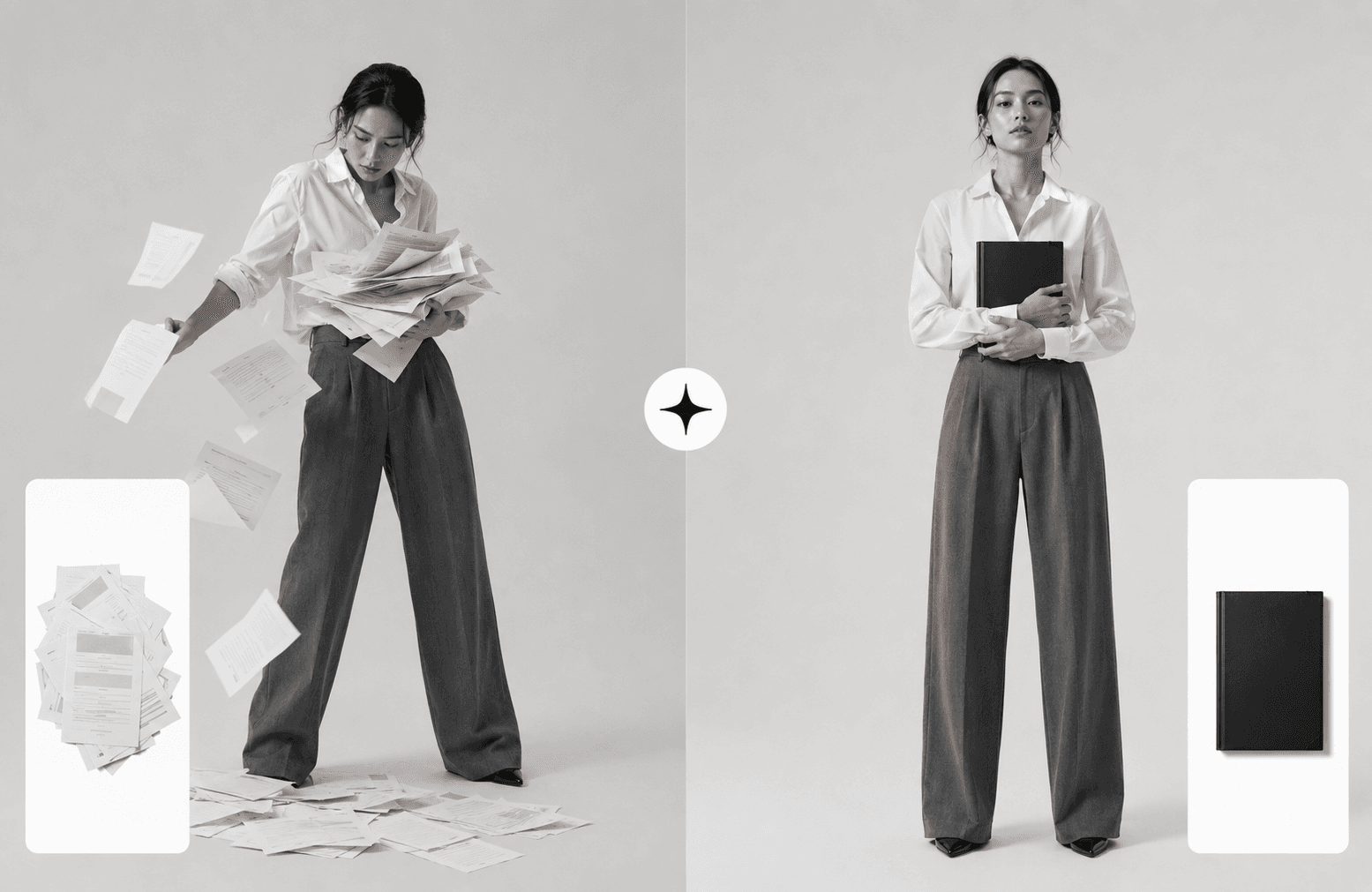
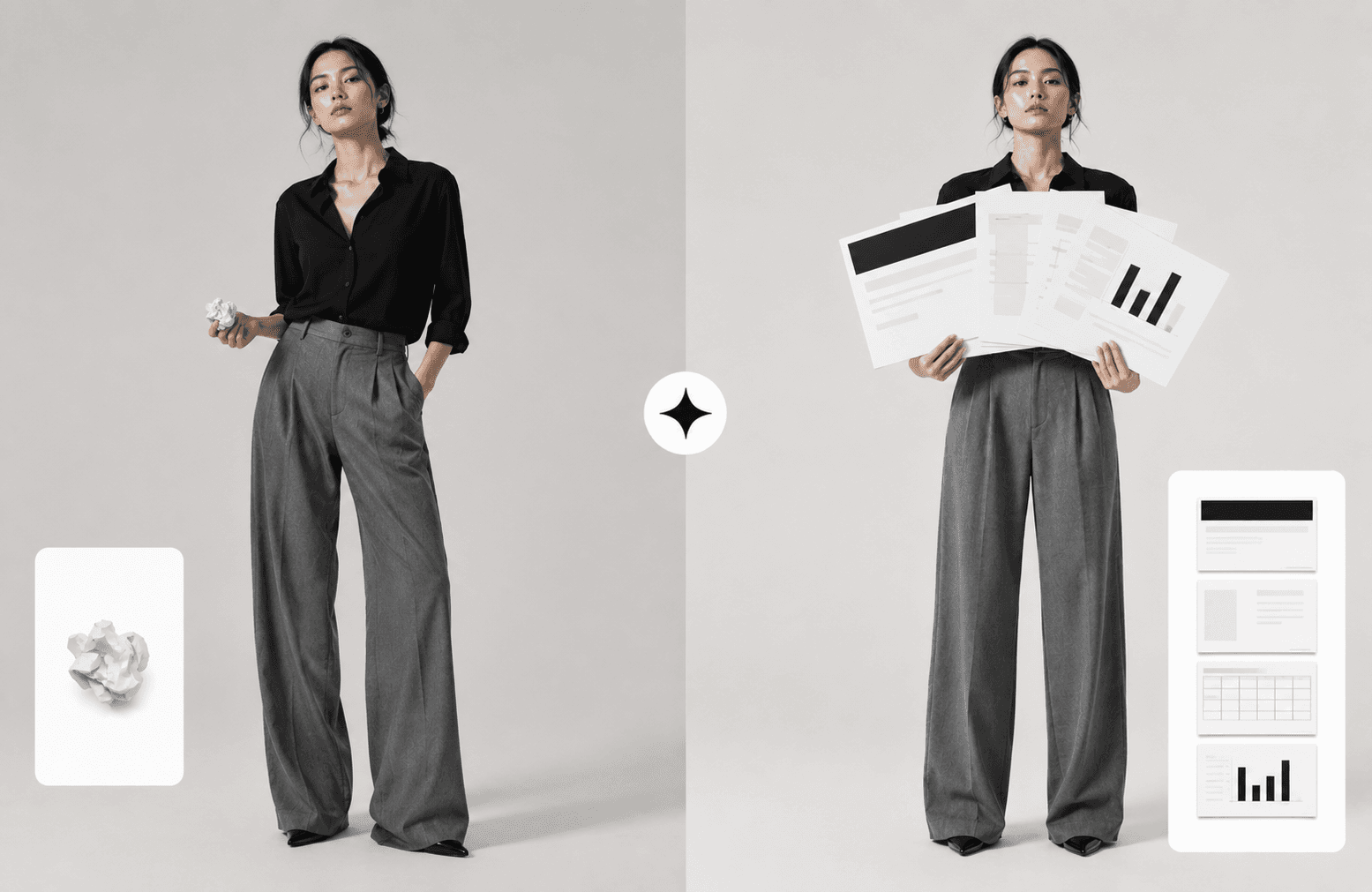
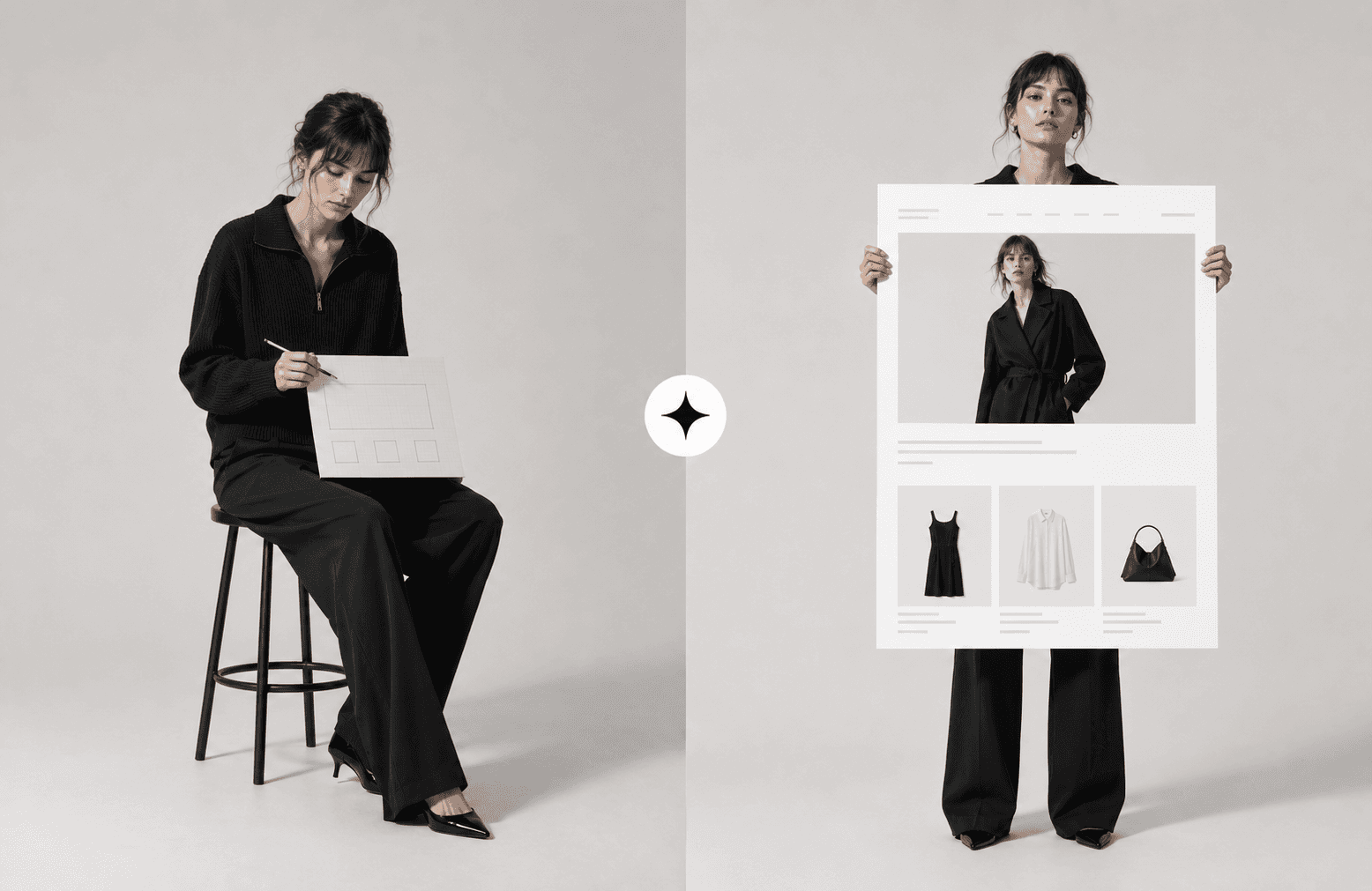
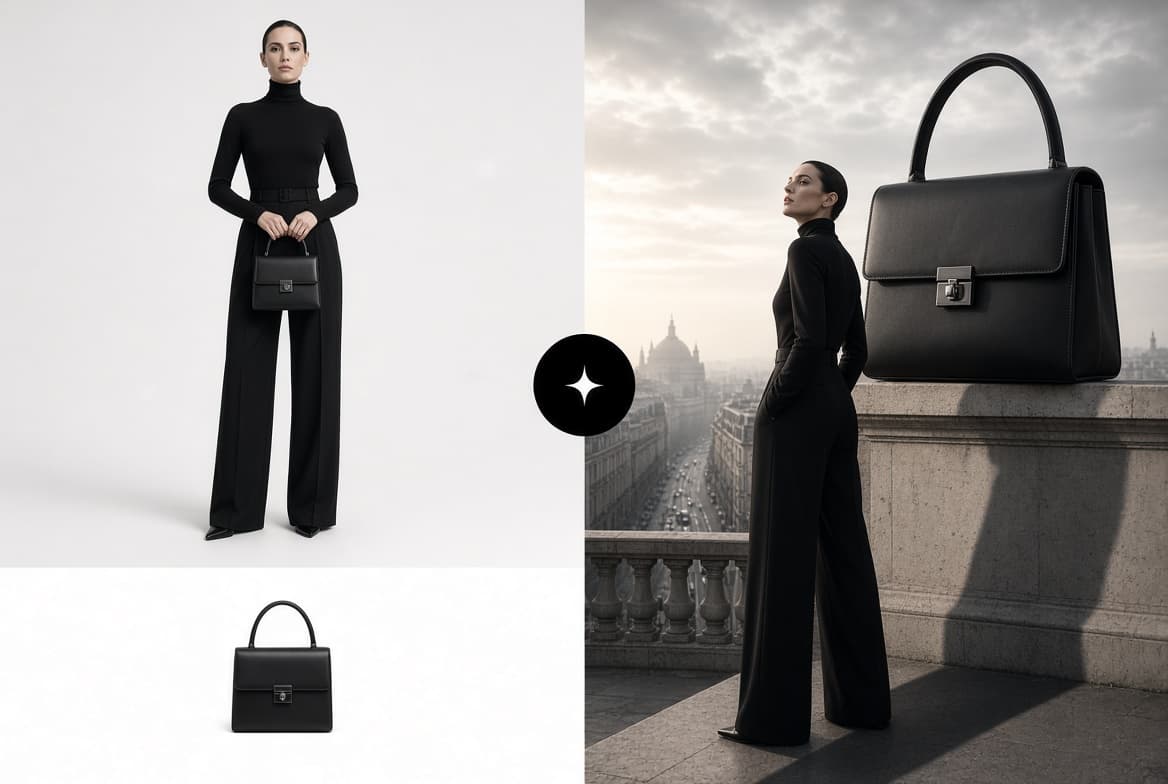
McLeuker Product Campaign is the studio in McLeuker AI that turns one product into a campaign. Upload a product photo, paste a store link, or simply describe the product, and it returns four social-ready ad images, on a model or in a styled scene, graded to your brand. A product shot is not a campaign; this is the campaign.
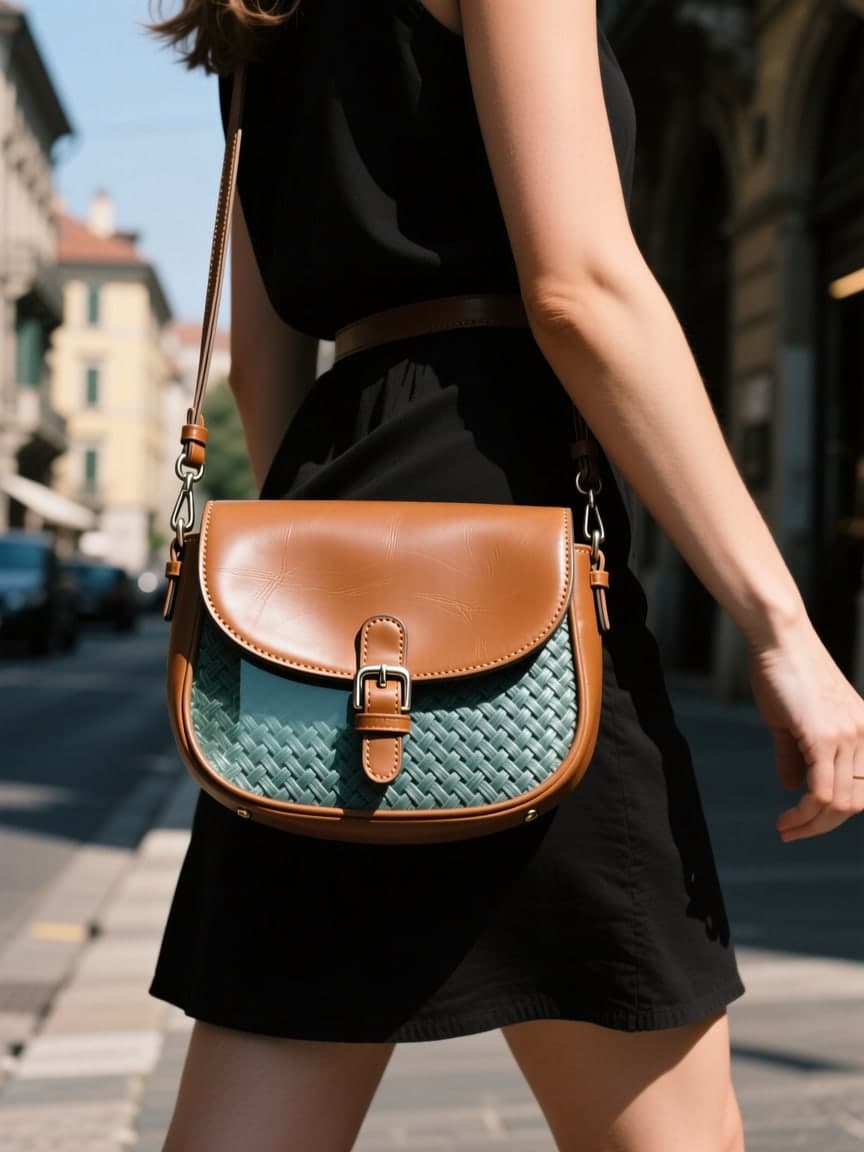
Product Campaign in one minute
- What you give it: one to four photos of the product, a link to its page in your store, or a written description.
- What you get back: four campaign images by default, and up to ten, with an optional short product video.
- How long it takes: a recorded run went from start to finished set in two minutes and forty seconds.
- Who it is for: e-commerce and DTC teams, social and performance marketers, and small brands without a shoot budget for every product.
- Where to start: the Product Campaign page shows the upload and the four frames it became.
How it works
- Add your product. From a photo, from a store link (the page is rendered before it is read, so the product is found even on a modern shop), or from text.
- Set the look, or let it. Format, setting, who presents it, colour grade and size, or leave each on Auto.
- Get four ad images. The product stays locked to your references while the scene around it changes.
The settings
- Format: eighteen, from UGC, unboxing and tutorial to clean studio, lifestyle, luxury, flat lay, macro and retro film.
- Setting: nineteen places, from a studio to a kitchen, a street, a café or a beach.
- Who presents it: the product alone, a woman, a man, hands only, a creator, a couple, or your own model.
- Colour grade: neutral, bold colour, matte texture, retro 90s, Y2K flash or quiet luxury.
- Size: 1:1, 4:5, 9:16 or 3:2, for each placement you run.
- Variants: different scenes, or A/B versions of the hook, the call to action or the first frame.
Where it fits across the nine sectors
- Fashion: turn one product photo into a campaign.
- Lifestyle: place a product in a lifestyle scene, from a café table to a hotel bed.
- Beauty: run a campaign set per shade, then wire it into a short film on a whiteboard.
Briefs to try
- "Four campaign images for our tan crossbody bag: one studio, one on location, one still life, one after dark."
- "Our vitamin C serum on a bathroom shelf in morning light, hands only, quiet luxury grade, 4:5 for Instagram."
- "Three A/B versions of the first frame for our running jacket ad, 9:16, bold colour."
What it does not do
- It does not change your product. The product is locked to the photos you give it; the scene, the light and the model move around it.
- It does not guess from a thumbnail. A store link is rendered and read, but a single low-resolution photo gives it less to hold on to. Give it your best shots.
- It does not charge for a failed frame. A render that fails is refunded, and every run shows its price before it starts.
Frequently asked questions
What is McLeuker Product Campaign?
It is the campaign studio in McLeuker AI, the AI platform built for fashion. It turns a product photo, a store link or a description into ad-ready images, on a model or in a styled scene.
Do I need a photoshoot first?
No. A clear product photo is enough, and if you have none, a store link or a written description works too.
Is it only for fashion?
No. It was built for fashion and works just as well for skincare, homeware, accessories and other physical products.
Can I redo one image?
Yes. Each frame can be redone on its own, and variants let you change only the hook, the call to action or the first frame while everything else stays fixed.
McLeuker AI is the AI platform built for fashion: research, creative and production studios that each return a finished file. See them all on the products page, or open Product Campaign and give it the product you most need to sell this month.
Filed under
Series · Meet the Studios
5 of 17